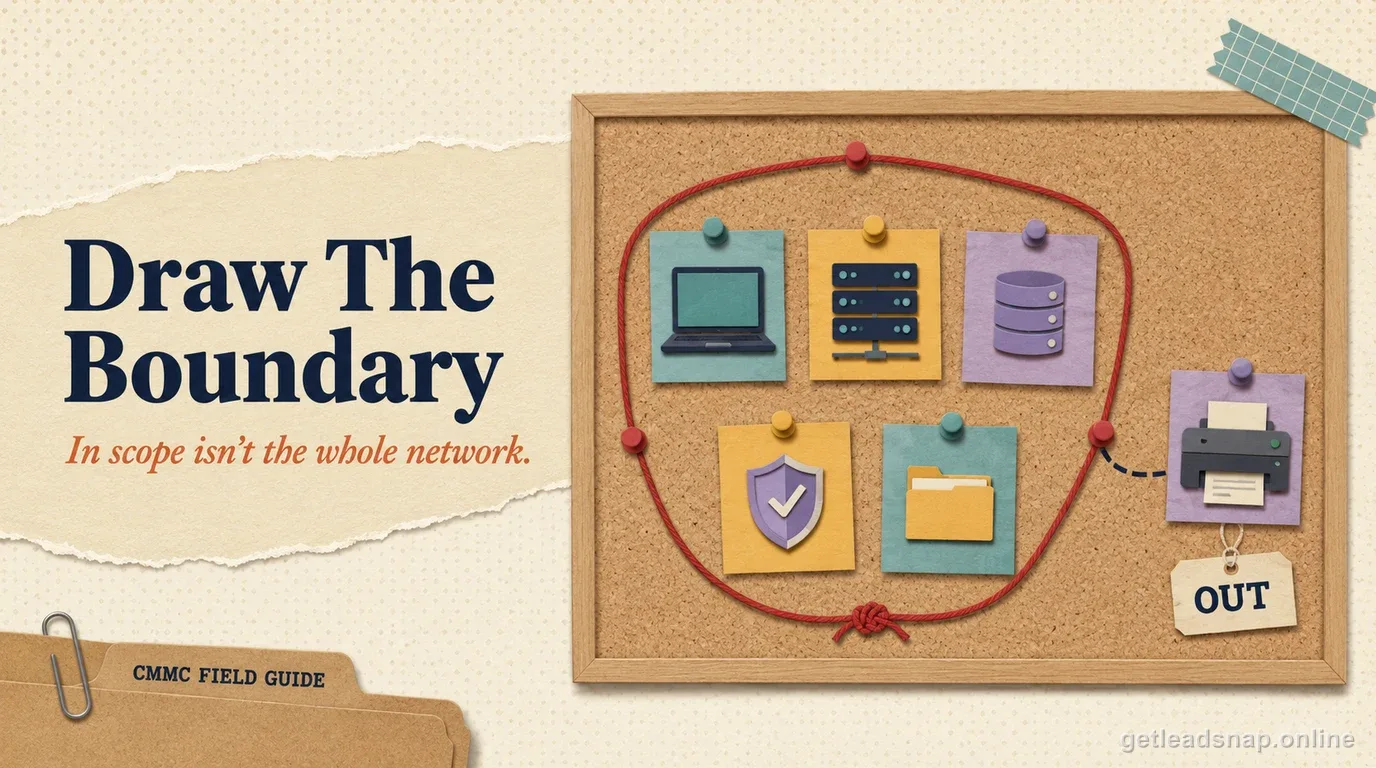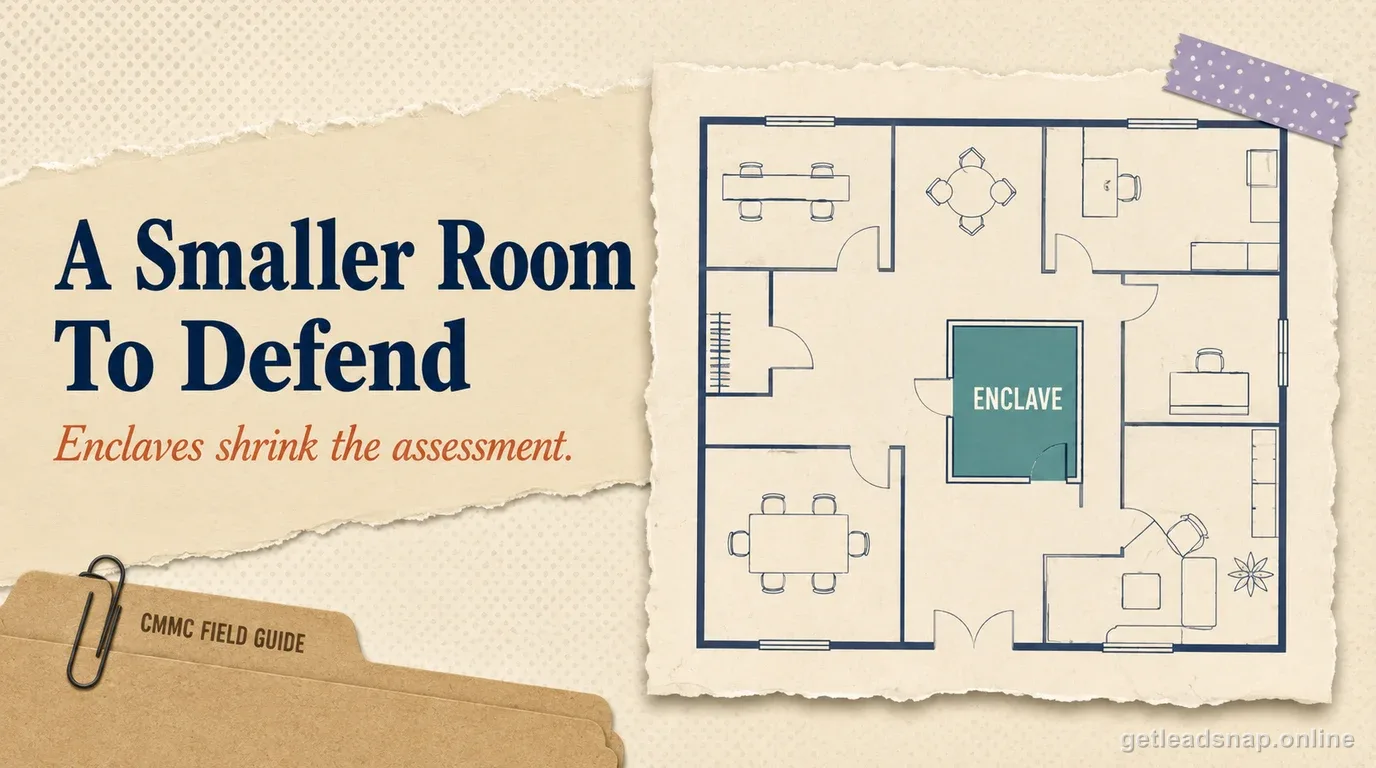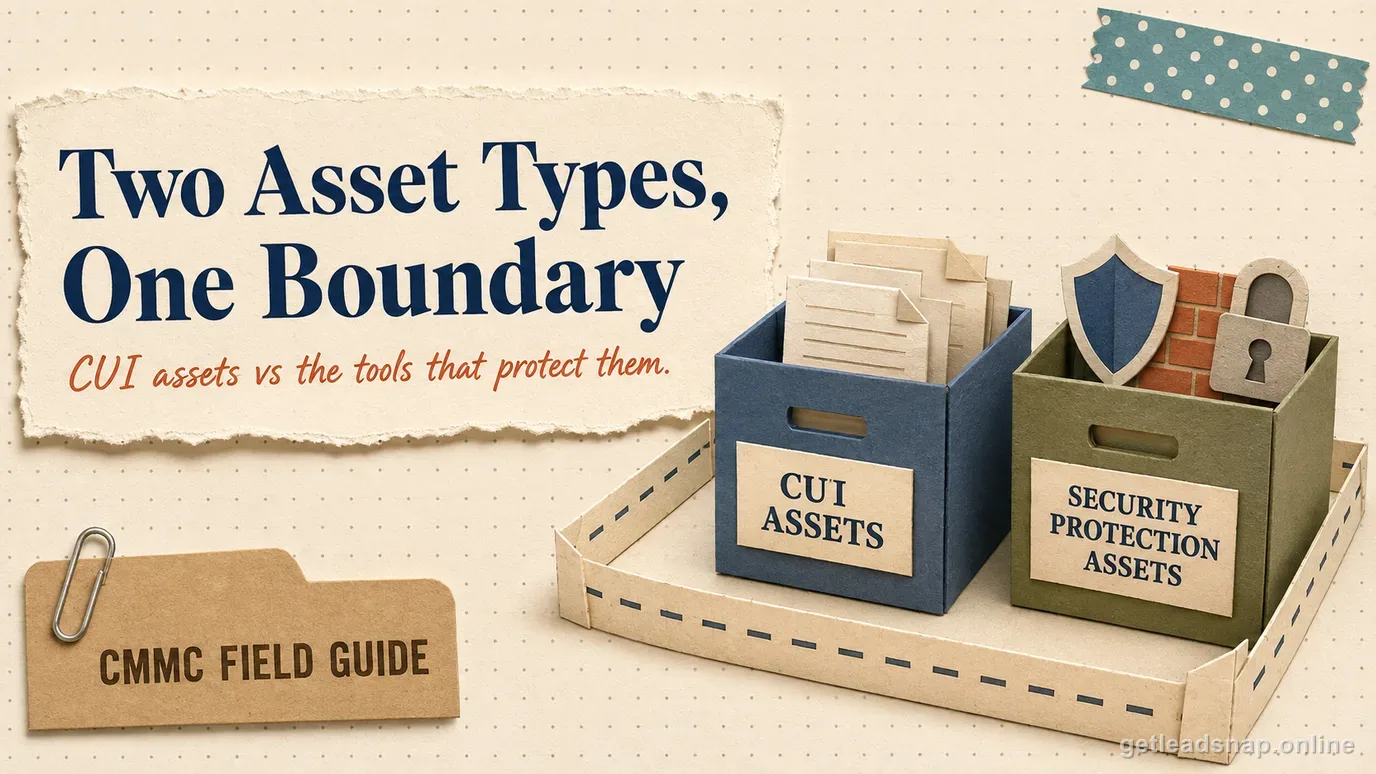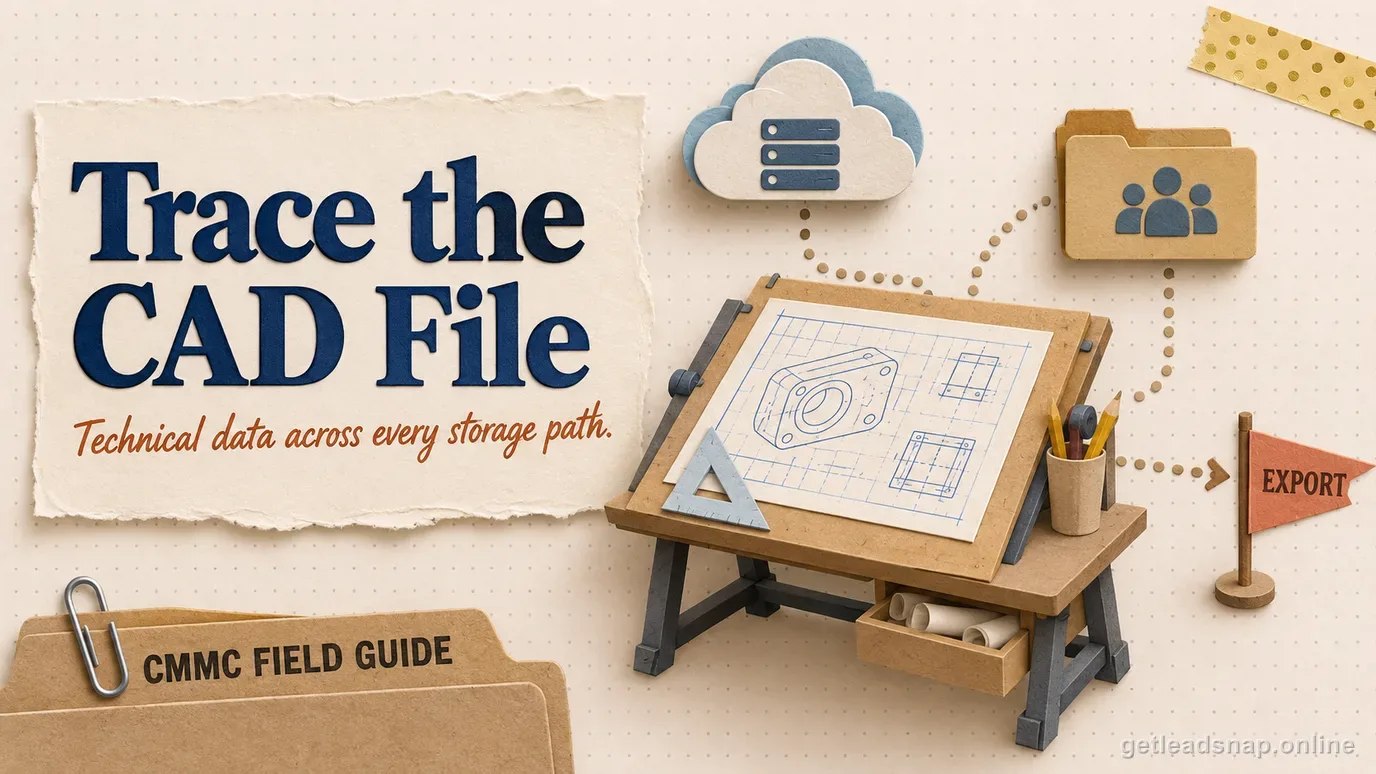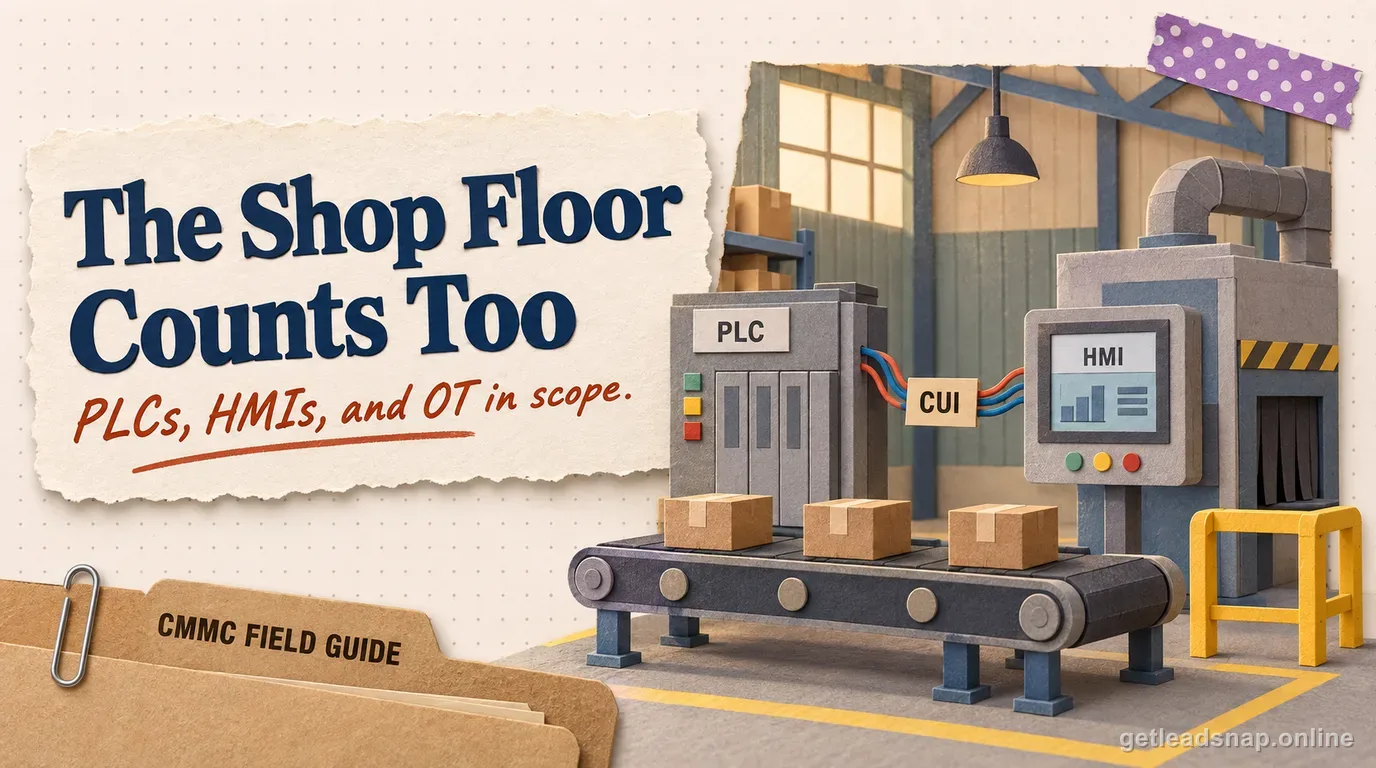
Manufacturers often discover that CUI does not stop at engineering desktops. Technical data can move into MES/ERP, quality systems, shop-floor PCs, CNC transfer stations, PLC engineering workstations, removable media, printers, and inspection devices.
The working question for a small business under CMMC is concrete: within the defined FCI/CUI boundary, who is responsible for this requirement, and what evidence today shows it is functioning as intended?
The rule in plain English
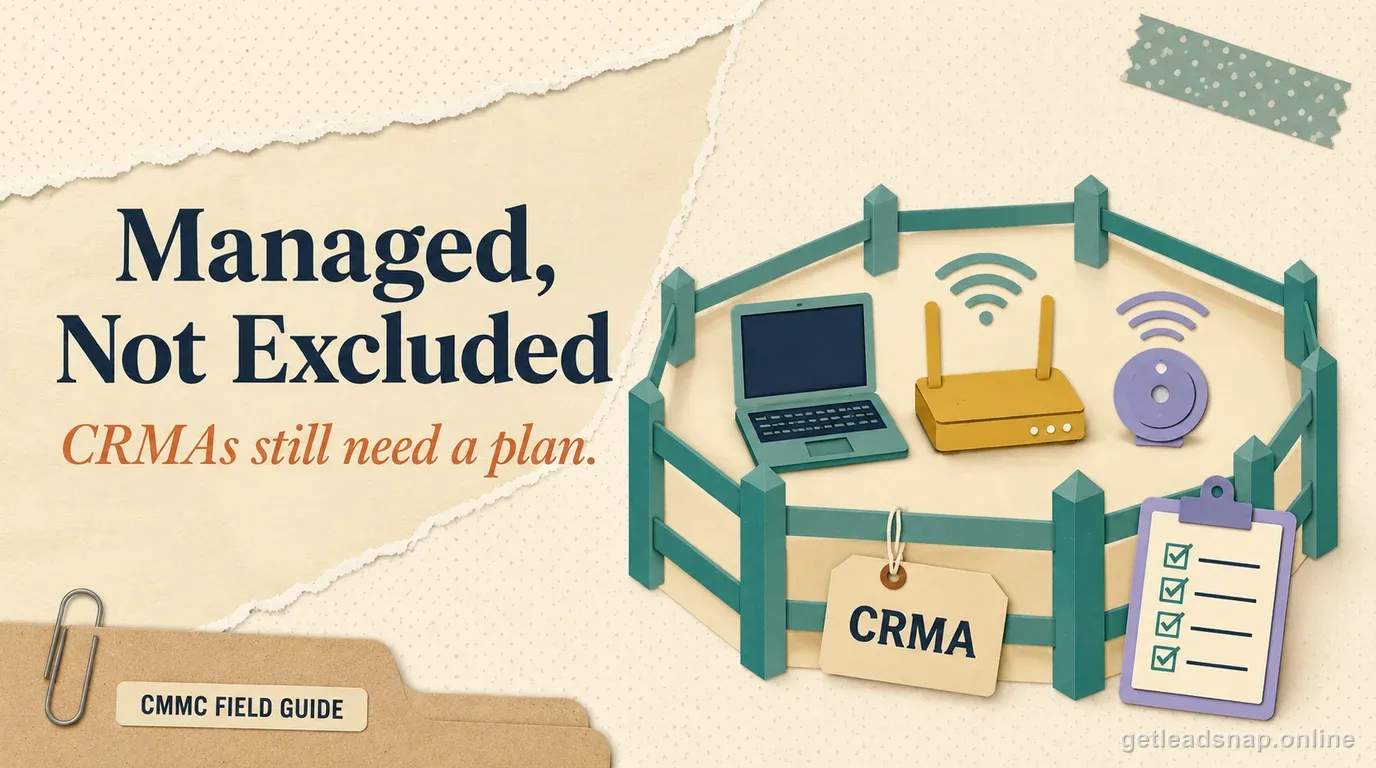
CMMC provides scoping treatment for specialized assets, but 'OT' is not a blanket exemption. The contractor still has to identify what each asset does with CUI and document the applicable treatment.
Focus on actual data pathways: CAD/CAM exports, work instructions, setup files, firmware/configuration files, quality records, and maintenance laptops.
How to implement it without overbuilding
Segment shop-floor networks where practical, restrict transfer methods, manage engineering/admin accounts, control removable media, and document legacy constraints.
For specialized or legacy assets, record the architecture and procedures used to reduce risk rather than silently excluding them.
What evidence to keep
Keep asset inventory, specialized-asset rationale, network/data-flow diagrams, transfer logs, access lists, maintenance records, segmentation evidence, and removable-media controls.
Use a representative job traveler or technical package to trace the full manufacturing flow.
Where teams get into trouble
The biggest mistake is scoping only office IT. Another is assuming an air-gapped machine is safe while files reach it through unmanaged USB or a dual-homed workstation.
Trace one technical data package all the way to the machine
For manufacturers, the fastest scoping test is to follow one real job from engineering release to production. A drawing or model may begin in email or a secure portal, move into PDM/PLM, be exported as a CAM file, appear on a programming workstation, cross a transfer station or removable medium, and then reach a CNC, HMI, PLC engineering station, quality system, or inspection device. Every step is a candidate place where CUI is processed, stored, transmitted, or protected.
This exercise often finds systems missing from the office-centric asset inventory: machine-side Windows PCs, old laptops used by maintenance, USB transfer stations, quality terminals, local engineering caches, print servers, label systems, and vendor remote-support tools. The correct response is not to automatically classify every machine as a normal IT asset; it is to classify each system under the CMMC scoping categories and document its real role.
Legacy and specialized assets need an explicit operating story
A PLC, CNC controller, test stand, or embedded production system can have vendor restrictions, unsupported operating systems, fixed-function software, or maintenance methods that make standard office hardening unrealistic. CMMC scoping guidance recognizes specialized assets, but that treatment is not a blanket exclusion. The contractor still needs an inventory entry, the reason for the category, the data relationship, and the safeguards used around it.
Compensating architecture frequently matters more than installing another endpoint agent. Network segmentation, controlled transfer stations, restricted engineering accounts, monitored jump hosts, removable-media controls, limited vendor access, physical protection, and a documented maintenance path can reduce exposure while preserving production. The SSP should describe those controls plainly instead of pretending the legacy asset behaves like a current laptop.
- Record protocol and network path to the asset.
- Identify where files are staged before and after production use.
- Control maintenance laptops and vendor support sessions.
- Document removable-media ownership, scanning, and transfer procedure.
Manufacturing evidence that is stronger than a network diagram
Use a completed production example. Show the incoming marked technical data, the approved engineering user, the controlled export or transfer, the receiving shop-floor system, and the access or transfer records that support the path. Then show what happens when the job closes: retained copies, archived quality records, backups, removable media, and disposal or sanitization where relevant.
Interview both IT and operations. If IT says USB is blocked but operators routinely use a thumb drive to move programs to a machine, the real process—not the policy sentence—defines the risk. A joint walkthrough with engineering, production, quality, and IT usually finds the scope edges that a compliance-only review misses.
Questions to ask on the shop-floor walkthrough
Ask operators how programs actually reach machines, not how management believes they reach machines. Where do they download files? Do they rename or copy them to a local folder? Is a USB device shared between cells? Does a vendor connect through a laptop or cellular modem? Are quality results copied back to the office network? Does the machine controller retain the program after the job closes? These answers identify real CUI copies and trust transitions.
Then compare those answers with the asset inventory and SSP. If a controller cannot support normal authentication or endpoint protection, document the surrounding controls and the reason the device is treated as a specialized asset. If a machine-side PC is a normal Windows endpoint that simply happens to sit beside a CNC, do not label it specialized merely to avoid standard requirements.
- Observe one file transfer instead of relying only on interviews.
- Record machine-side local storage and cache behavior.
- Check whether remote maintenance bypasses the normal corporate access path.
- Reconcile production accounts with the identity/access review process.
- Include quality and inspection systems when they inherit technical data.
Include quality and maintenance paths in the OT scope review
Production data often moves beyond the CNC or PLC into CMM stations, quality databases, maintenance laptops, vendor diagnostics, and print or traveler systems. Walk those paths with operators and quality staff, not only the network team. A derived measurement program or annotated traveler may reproduce controlled dimensions even when the original CAD file stays in engineering.
Record which specialized assets cannot implement normal endpoint controls and which surrounding protections compensate for that limitation.
Before you call the boundary done
- ✓Trace engineering data to the floor.
- ✓Inventory OT/transfer stations.
- ✓Classify specialized assets.
- ✓Control removable media.
- ✓Segment where feasible.
- ✓Document legacy constraints.
Common questions
Are PLCs automatically in scope?
No automatic rule applies solely because a device is a PLC. Analyze whether it processes, stores, transmits, or protects CUI.
Can specialized assets have different treatment?
CMMC scoping guidance recognizes specialized assets, but they still require identification and documented handling.
Does an air gap remove risk?
It can reduce network exposure, but file transfer, maintenance, removable media, and local access still matter.
Should ERP be included too?
If the ERP processes or stores CUI or protected technical data, it can be relevant.
What should be re-checked immediately before using this guide for a contract decision?
Re-open the controlling government source, confirm the solicitation or contract language for the specific information system, and verify that the provider or program status cited here has not changed since September 4, 2026.
Official sources used for this guide
Open the primary source before making a contract-specific decision. Regulations and program implementation can change.