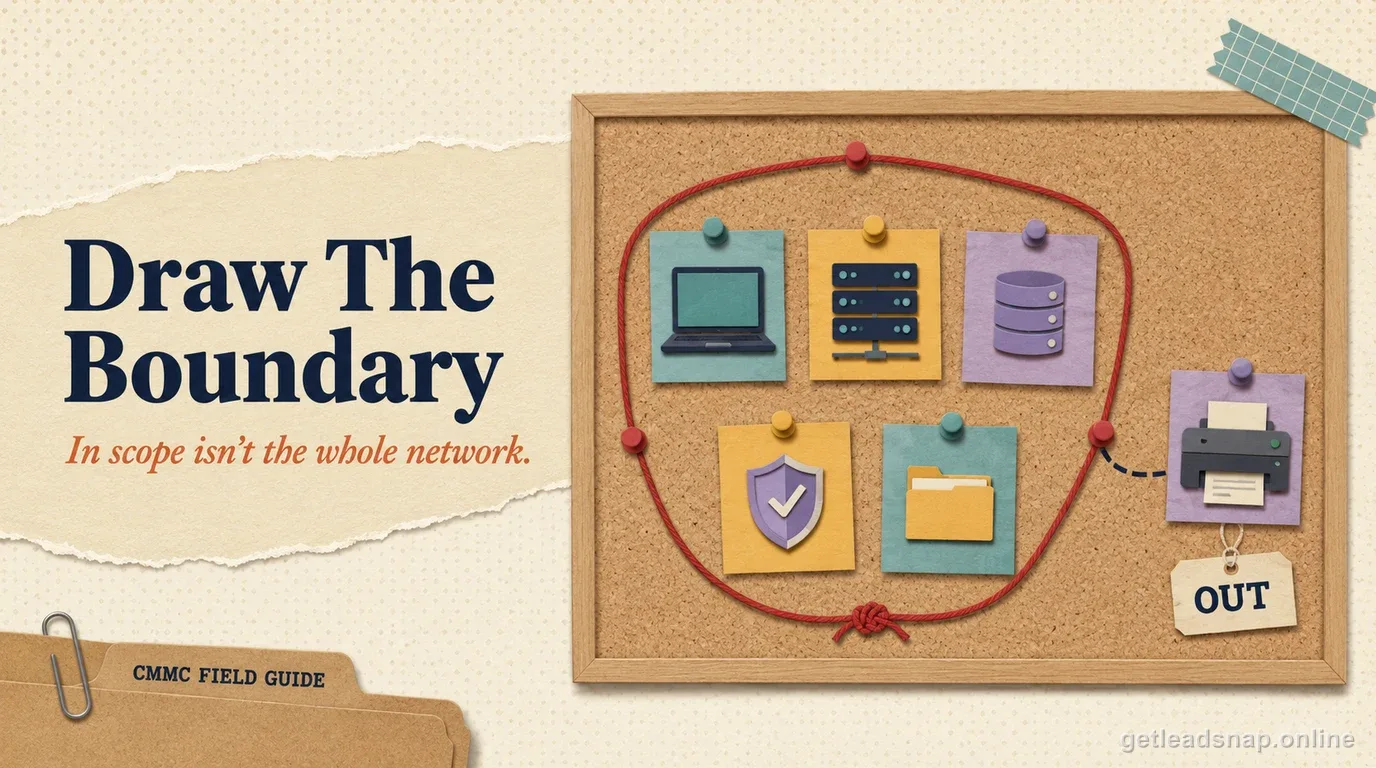
CMMC scoping is easiest to get wrong when a team starts with the network diagram instead of the CUI. The better starting point is the information flow: where CUI arrives, where people open it, where it is stored, how it is transmitted, where copies are backed up, and which services protect those paths. The systems around that flow become candidates for the assessment boundary.
The current Level 2 scoping guidance also makes clear that assets can matter because of the security function they provide, not only because they display a CUI document. Identity, endpoint management, logging, backup, network security, and privileged administration are common examples.
Trace one real CUI workflow end to end
Pick a representative contract deliverable and follow it from receipt to deletion. Include email, secure portals, local downloads, collaboration tools, engineering applications, print, backups, file transfer, and subcontractor exchange. Use a whiteboard with the people who actually perform the work; the documented process often differs from the user workflow.
Mark every place where the information exists, even briefly. Browser downloads, sync folders, temporary exports, print queues, and ticket attachments are easy to miss because they are not considered official repositories. Those transient paths can be more important to scope than the main file server everyone already knows about.
Classify assets by function, not by vendor
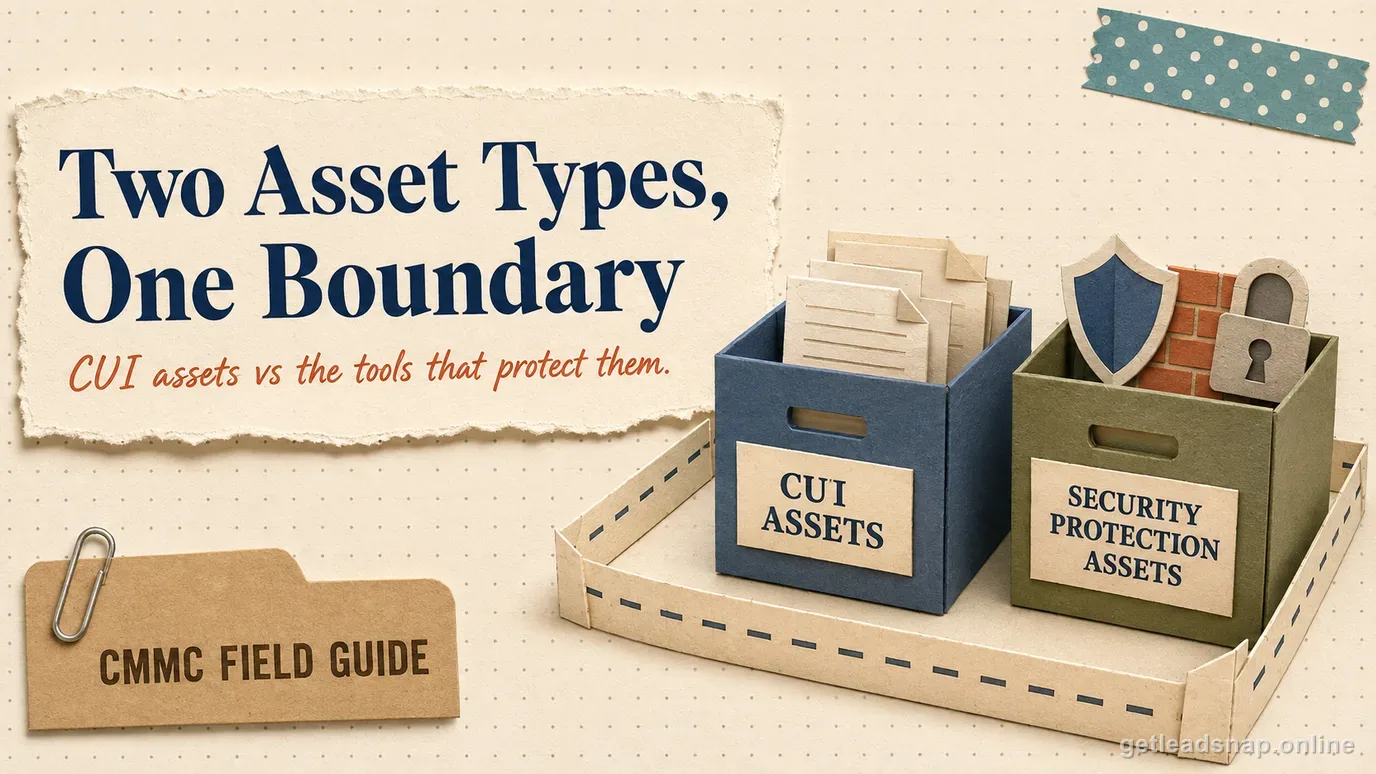
The Level 2 scoping guide describes categories including CUI Assets and Security Protection Assets, along with other asset categories that receive specific treatment. Classify what the asset does for the environment. A cloud identity service can be security-critical even if no employee opens a CUI document inside it.
For each asset, record a stable ID, owner, location or tenant, function, CUI interaction, security role, privileged management path, and the rationale for the category. Avoid labels such as 'out of scope' with no explanation. A reviewer should be able to understand the technical reason without reconstructing the architecture from memory.
Find the hidden bridges across the intended boundary
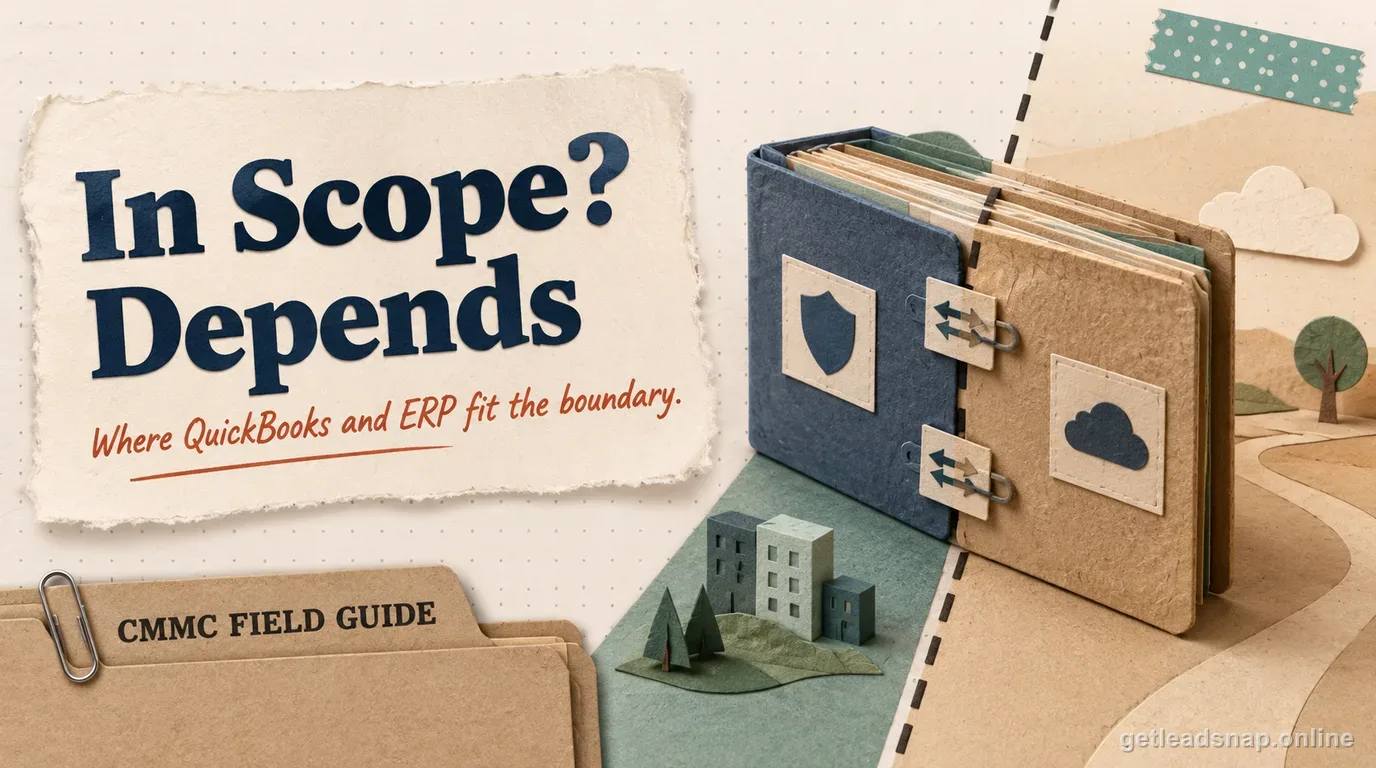
Most scoping surprises are management or convenience paths: corporate identity authenticating enclave users, an MSP tool that administers endpoints, a shared backup platform, print services, email forwarding, browser sync, or a help-desk system receiving screenshots and log files. These connections can undermine an otherwise clean enclave design.
Review both data paths and administrative paths. A system may never receive CUI yet still be able to change the security state of a CUI asset. That is why privileged access and security-protection functions belong on the diagram rather than being treated as background IT.
Use segmentation to reduce scope only when it is real
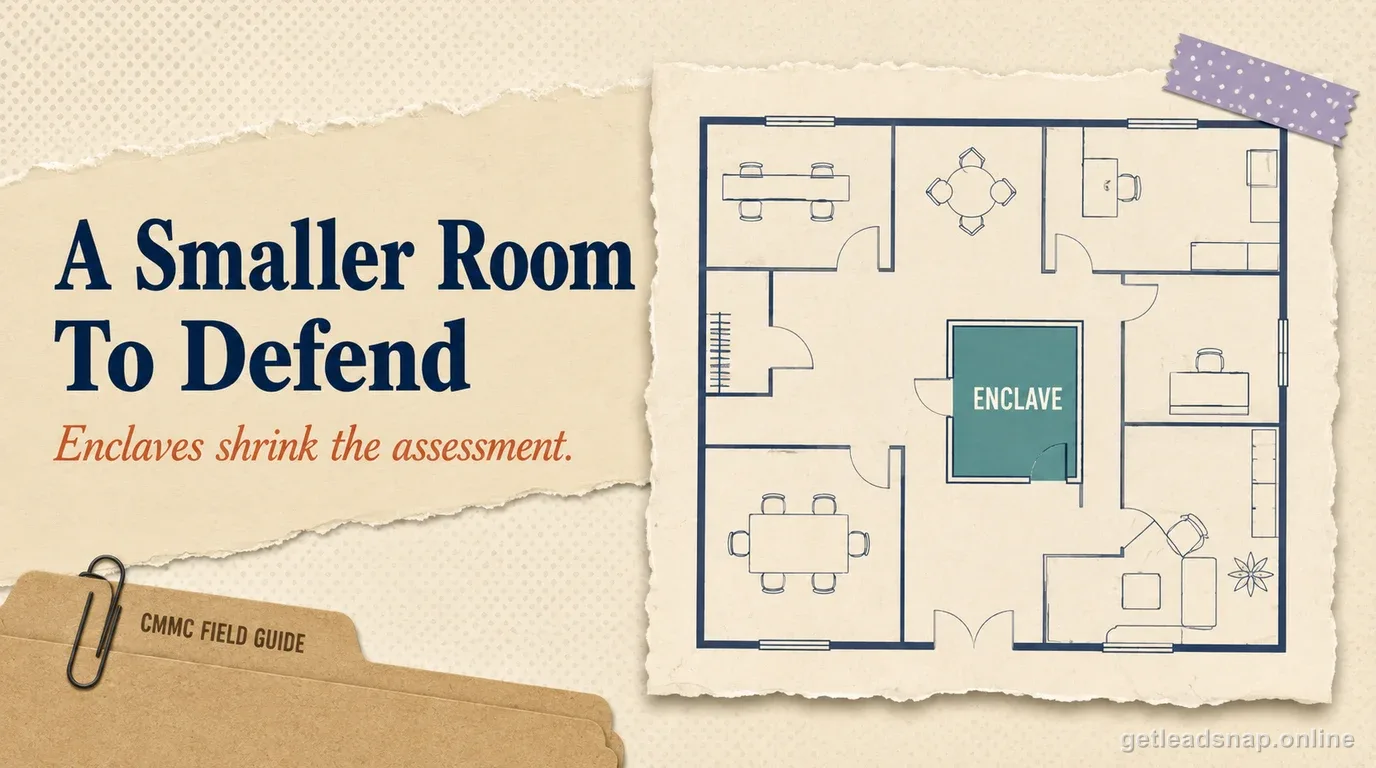
Segmentation can keep unrelated corporate systems outside the assessment boundary when the technical design and operating rules actually enforce the separation. Firewalls and network zones help, but identity, endpoint policy, SaaS sharing, local admin, and support tooling can still bridge the boundary. The proof must match the full architecture, not one network control.
Document how an out-of-scope system is prevented from becoming a CUI path. If the answer is 'users are told not to,' consider whether a stronger technical restriction is needed. Scope reduction that depends on perfect human behavior tends to expand again during busy contract work.
Keep the SSP, diagram, and inventory synchronized
The same environment is often described three times: in the SSP narrative, in a network or data-flow diagram, and in the asset inventory. Treat those as linked controlled records. A system added to the diagram should appear in the inventory with a category and owner; a provider named in the SSP should be visible in the dependency map.
Add revision dates and an architecture owner. During an assessment, contradictions across documents create more questions than a simple diagram with fewer details. Accuracy is more valuable than decorative complexity.
Revalidate scope after predictable change events
Set explicit triggers for a scoping review: cloud migration, acquisition, new remote-work model, new SaaS integration, replacement MSP or MSSP, major identity change, new backup platform, or an expansion of the data-sharing workflow. Do not wait until the next scheduled assessment if the architecture materially changes.
Use a periodic scope reconciliation that fits the rate of change in the environment, and trigger an immediate review after material architecture or data-flow changes. Compare recent changes with the CUI flow and asset inventory, then update the SSP and diagrams in the same work cycle. The important control is not a ceremonial calendar meeting; it is preventing the documented assessment boundary from drifting away from the system employees actually use.
Put a current network diagram on the wall, then ask users to walk through one CUI task. Every time they name a system, browser extension, print step, remote-support session, file transfer, or backup, add it to the workflow even if it is missing from the diagram. Do the same for administrators: how do they authenticate, deploy software, view logs, and recover systems?
The workshop often reveals that a theoretically isolated enclave depends on corporate identity, a shared help desk, an enterprise EDR tenant, and a cloud backup service. Those dependencies may be perfectly acceptable, but they need classification and evidence. Hidden dependencies create assessment surprises; documented dependencies can be managed.
Next, challenge exclusions. For each major system labeled out of scope, ask what prevents CUI from reaching it and what prevents it from administering in-scope assets. If the answer is only user policy, determine whether the policy is supported by technical controls, monitoring, or a documented risk-managed treatment under current scoping guidance.
End by updating the asset inventory and SSP immediately. Do not leave workshop notes in a separate slide deck for months. Scoping quality depends on one consistent set of controlled records that reflects the architecture employees are actually using.
Do a second pass from the administrator's point of view. User data-flow mapping finds where CUI travels; administrator-flow mapping finds who can change the systems that protect it. Trace privileged access from the administrator's device through identity, remote-management tools, jump hosts, vendor portals, and emergency accounts. This pass often identifies Security Protection Assets that ordinary workflow interviews never mention.
One useful test is the 'Friday afternoon' walkthrough. Ask an engineer to complete a normal CUI task under deadline pressure while the scoping team watches only the systems and data paths used. People often reveal unofficial shortcuts—emailing a file to themselves, printing to a convenient device, copying data into a ticket, or asking an administrator to use a general support tool—that never appeared on the architecture diagram. Those shortcuts are not a reason to blame the user; they are evidence that the documented boundary and the usable workflow are out of sync.
Before you call the boundary done
- ✓Trace CUI from receipt to deletion
- ✓Inventory assets on each path
- ✓Identify security-protection dependencies
- ✓Document segmentation controls
- ✓Explain inclusion/exclusion decisions
Common questions
What is CUI scoping in CMMC?
CUI scoping is the process of identifying which assets — people, systems, facilities, and external service dependencies — actually process, store, or transmit CUI or could affect the security of assets that do, so the assessment boundary matches the real environment instead of the whole corporate network by default. The official CMMC Level 2 Scoping Guide defines the asset categories used to draw that boundary.
Is the whole corporate network always in CMMC scope?
No. Scope follows the systems and supporting assets relevant to FCI/CUI and their protection, subject to the current scoping guidance and actual architecture.
Official sources used for this guide
Open the primary source before making a contract-specific decision. Regulations and program implementation can change.