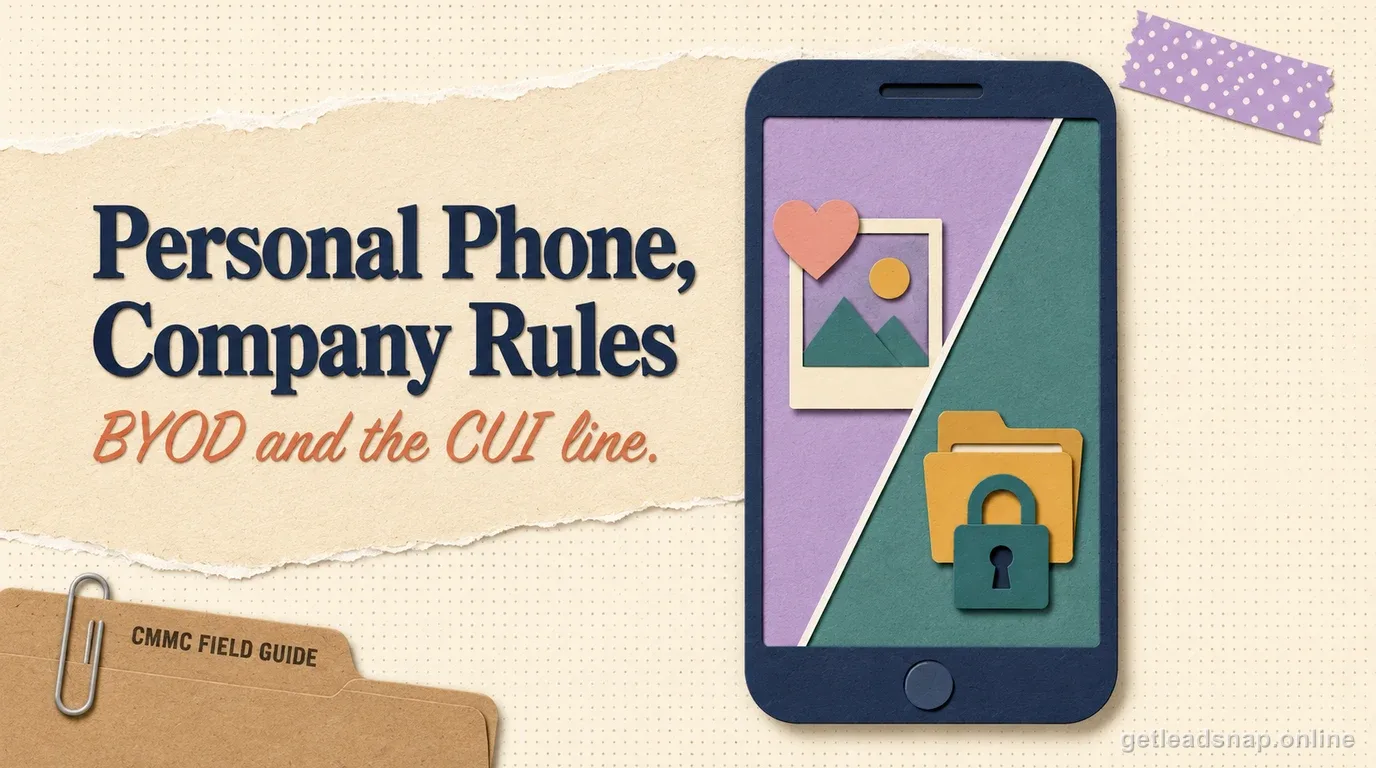
BYOD does not create one universal CMMC answer, but it makes scope and control ownership harder. The result depends on what the personal device can see, store, transmit, administer, or influence in the assessed environment. A design that uses a tightly controlled remote session has a different risk profile from one that allows local downloads, native email sync, or privileged administration from the personal endpoint.
CMMC does not turn the phrase 'personal device' into an automatic yes-or-no answer. The real question is whether the architecture can meet the applicable safeguarding and scoping requirements and whether the contractor can prove it. In practice, that is much easier when CUI never reaches the personal endpoint.
Browser-only access can still leave local artifacts
A web application can write browser caches, downloads, cookies, session tokens, clipboard data, print output, password-manager entries, or files opened by local helper applications. Users can also take screenshots or install extensions. Therefore 'the user only accesses CUI in the browser' is an architecture statement that needs testing, not proof that the device is out of scope.
Test the exact browser and access configuration with a non-sensitive sample. Check download, print, copy/paste, local save, browser cache, offline mode, and extension behavior. If any path is allowed, decide whether it is intended and whether the personal device can satisfy the controls that follow.
A controlled remote session can reduce exposure
VDI, remote desktop, or application-streaming designs can keep data in a managed environment while the personal device acts mainly as a display and input terminal. This can simplify the CUI boundary when local redirection, download, clipboard, print, and drive mapping are tightly controlled.
Do not call VDI a magic out-of-scope button. Authentication, session configuration, endpoint trust, local screen capture, support access, and the remote platform itself still need analysis. Document what the personal endpoint can and cannot do, then collect evidence that those restrictions are actually enforced.
Identity and device trust become central
With BYOD, a stolen password or compromised browser can bypass many assumptions. Use strong MFA, conditional access, session controls, and risk-based signals appropriate to the design. Where possible, require a trusted or registered device state before allowing access to the sensitive environment.
Separate user identity from privileged administration. Administrators should not manage the CUI environment from personal devices simply because general users can view a remote session. Privileged access usually deserves stricter device and network controls than ordinary user access.
Policy ownership matters because the company does not own the hardware
If personal devices are permitted, define what the organization can require: supported operating-system versions, security software, device lock, prohibited local storage, incident reporting, inspection of company-controlled applications, and removal of business data at offboarding. Employees should understand the boundary between company security controls and personal privacy.
Avoid policies that claim rights you cannot realistically exercise. If the company will not verify device configuration or cannot remove business data reliably, do not write those controls as if they occur. A narrower remote-session design may be more defensible than a broad BYOD policy no one enforces.
Use BYOD only where it solves a real business need
List the workflows currently using personal devices and ask why. Some may exist only because managed laptops were not issued quickly enough or because a legacy portal allows them by default. Moving those users to managed equipment can be cheaper than designing, documenting, and assessing a complex personal-device model.
For the workflows that remain, record the risk decision and technical controls. Review them when the remote-access platform, identity system, or browser policy changes. What matters is a deliberate architecture rather than a historical convenience that quietly became part of the CUI boundary.
Offboarding and incident response need a BYOD path
Plan what happens when a personal device is lost, infected, sold, or used by someone who leaves the company. Can you revoke the session, invalidate tokens, remove enterprise data, and determine whether CUI was copied locally? If the answer depends on calling the user and asking, the design may need stronger controls.
Include a BYOD scenario in incident exercises. Use it to verify identity revocation, log availability, session termination, data-loss assumptions, and communication with the user. A design that is easy during normal work but impossible to investigate after an incident is not operationally mature.
A decision tree for whether BYOD is worth keeping
First ask whether the user needs CUI access at all. If the task can be moved to a managed workstation, issue the device and remove the BYOD complexity. Second, ask whether a controlled remote session can meet the business need without allowing local copies. Third, if local processing on a personal device is truly required, assess whether the company can enforce and evidence the necessary controls on hardware it does not own.
Calculate total cost, not device cost. BYOD may require stronger identity licensing, VDI, endpoint posture checks, support for a wide variety of operating systems, privacy agreements, incident procedures, and extra evidence. A managed laptop can be cheaper once those operational costs are included.
Keep exceptions narrow. If executives or short-term consultants need temporary access, design a specific approved method rather than opening the same BYOD path to every employee. Fewer device types and user groups make validation more reliable.
The offboarding test
Document the final decision and review it annually. Personal-device technology changes quickly, and a browser or remote-session feature update can create a new download, clipboard, or local-storage path. The architecture should be re-tested, not assumed to remain constrained forever.
If the company keeps a BYOD path, maintain a compatibility list and a retirement rule. Old operating systems, unsupported browsers, jailbroken devices, and devices that cannot satisfy session or posture checks should lose access automatically or through a defined review. Otherwise the company can have a sound architecture on paper while the oldest personal device quietly becomes the weakest endpoint in practice.
Keep support boundaries explicit. If the help desk cannot inspect or repair a personal device to the same standard as company hardware, the access design should not depend on the device remaining healthy indefinitely. Restrict the personal endpoint's role so a compromised or misconfigured device can be blocked quickly without requiring invasive support on employee-owned equipment.
If BYOD remains in the design, write down the exit path before onboarding the first device. Decide how access is revoked, how organization data or credentials are removed where technically possible, what happens when a device is lost, and what evidence the company can obtain without taking possession of an employee's personal files. The offboarding design often exposes whether the company truly controls the security boundary or is merely hoping a personal device behaves like a corporate endpoint.
Before you call the boundary done
- ✓Identify every BYOD path to FCI/CUI
- ✓Block uncontrolled local storage where possible
- ✓Review browser and clipboard behavior
- ✓Use strong identity and device-access policies
- ✓Document the remote-session architecture
- ✓Prefer managed devices for recurring CUI work
Official sources used for this guide
Open the primary source before making a contract-specific decision. Regulations and program implementation can change.