Financial software is often assumed to be out of scope because it is 'just accounting.' That can be wrong when the system stores contract deliverables, technical attachments, customer instructions, project files, or other FCI/CUI.
A small defense contractor gets more value from asking a narrower question: where inside the FCI/CUI boundary does this requirement apply, who owns it day to day, and what evidence currently backs it up?
The rule in plain English
The name QuickBooks, Deltek, Infor, NetSuite, or another ERP does not determine scope. Data content and system function do.
Simple transactional information used only to process payment is excluded from the FAR definition of FCI, but a financial/ERP system can hold much more than payment data.
How to implement it without overbuilding
Inventory fields, attachments, integrations, file shares, exports, and user workflows. If CUI is not permitted in the system, confirm the business can realistically operate that way and add controls that make the restriction credible.
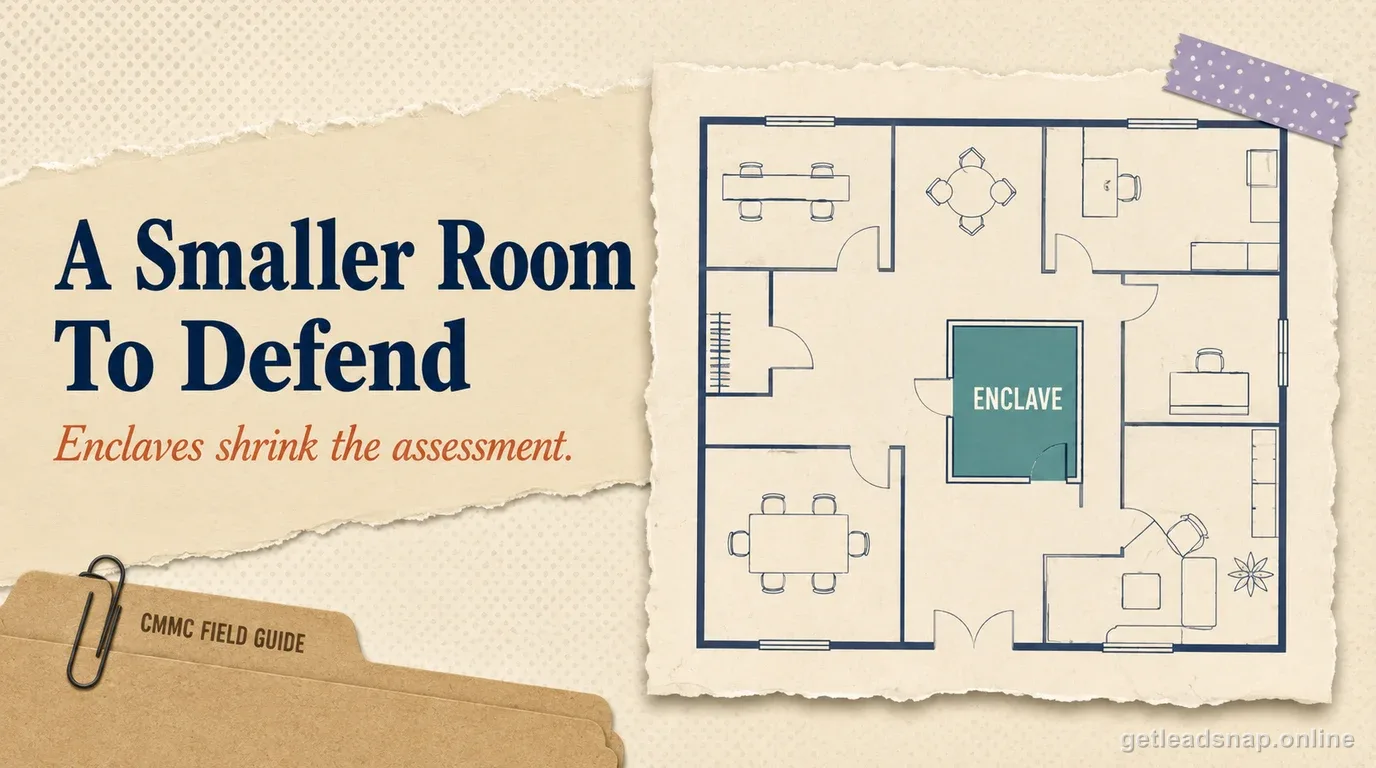
If the ERP must handle CUI, include its hosting model, identities, endpoints, backups, reports, support access, and integrations in the security design.
What evidence to keep
Keep a data-classification decision, configured restrictions, integration map, access roles, storage/backup details, and a sample workflow.
Review attachments and free-text fields because those are common paths for uncontrolled protected data.
Where teams get into trouble
A policy saying 'no CUI in accounting' can fail if employees attach purchase orders, drawings, or statements of work containing controlled information. ERP integrations can also export data into unassessed reporting tools.
Small-contractor walkthrough
An ERP is intended only for finance, but users attach statements of work and purchase orders that sometimes include technical details. The contractor should inspect actual fields, attachments, exports, integrations, and backups before declaring the system out of scope.
Sector-specific scoping should follow real data rather than product category. Trace a representative CUI item through creation, transfer, storage, processing, support, backup, and disposal, then reconcile every touched system to the asset inventory.
Cloud and specialized systems often have shared responsibilities or technical limitations. Document those facts directly instead of forcing a standard office-IT control description onto a different operating environment.
- Inspect actual ERP data.
- Review attachments.
- Map integrations.
- Define allowed data types.
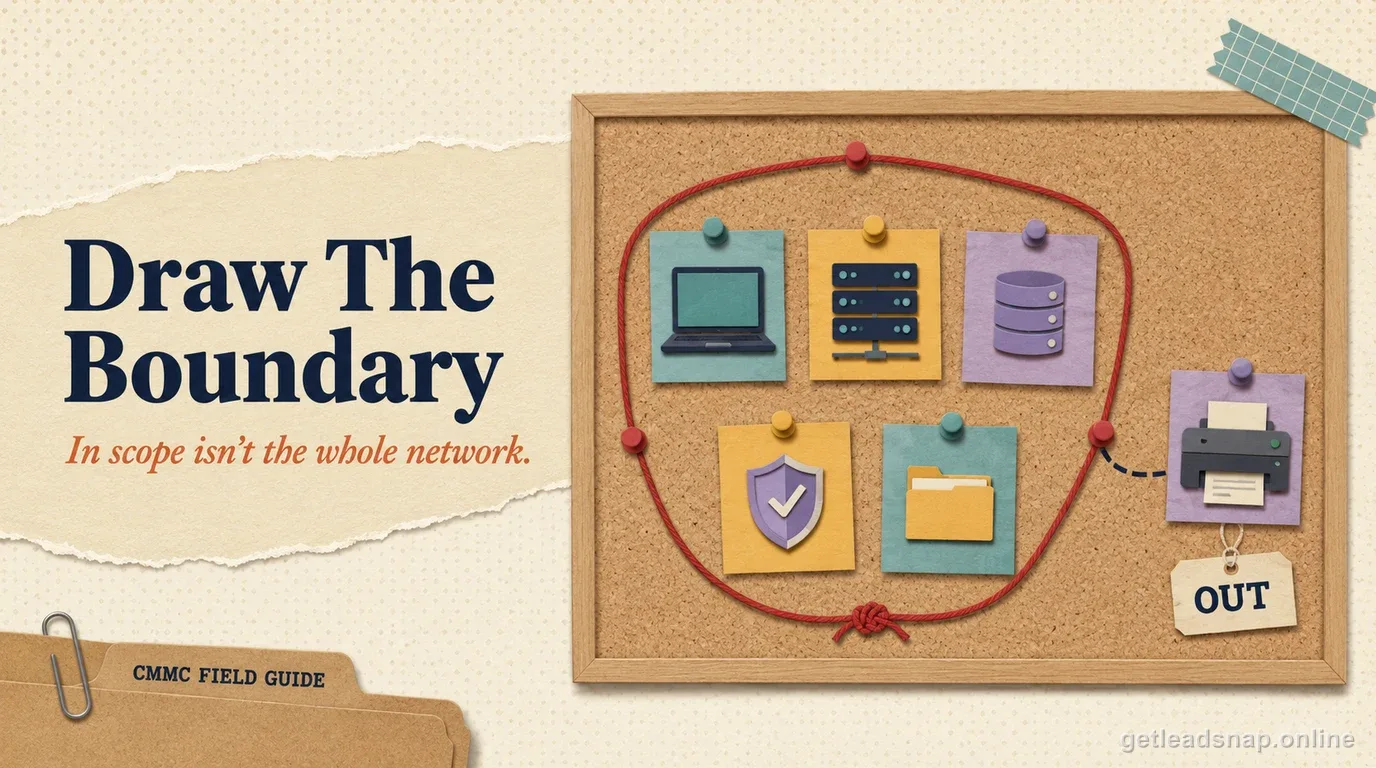
Financial software is scoped by its content, not its brand
FAR's FCI definition excludes simple transactional information such as information necessary to process payments. QuickBooks, an ERP, or another accounting platform therefore does not become CMMC Level 2 scope merely because it contains ordinary payment records. But these systems can also hold nonpublic contract records, project descriptions, attachments, customer instructions, purchase descriptions, or technical data that qualify as FCI or CUI.
Perform a field-and-attachment review. Check notes, project names, statements of work, attached PDFs, invoice descriptions, purchasing records, job-costing fields, and integrations. The correct answer comes from the information actually stored and transmitted, not from the accounting department's assumption that the application is 'just finance.'
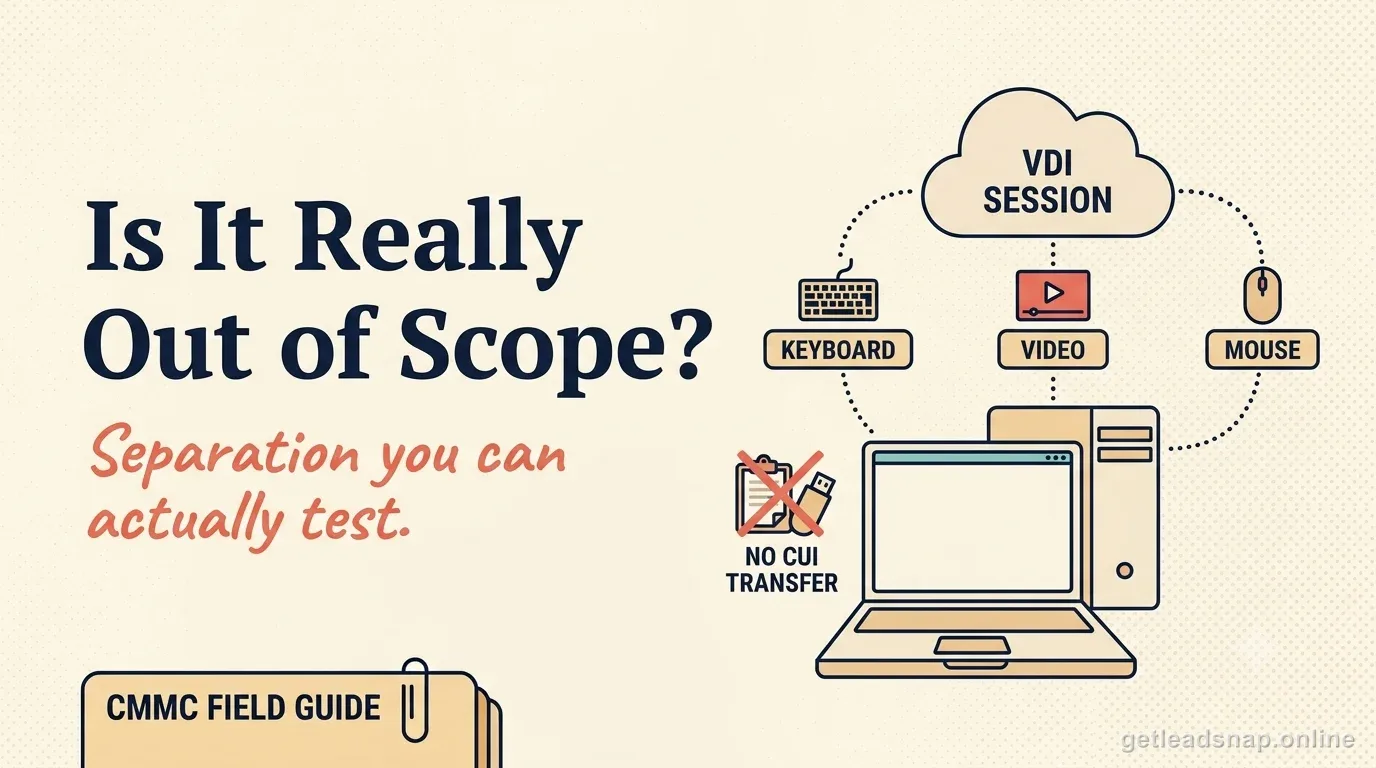
Design a payment-only or FCI-only workflow where possible
If the financial system needs only payment information, keep technical packages and CUI attachments in the approved repository and use neutral project references in accounting. If the system contains FCI but no CUI, the Level 1 path may be relevant when CMMC applies. If CUI is stored or transmitted, the system moves into the Level 2 CUI analysis.
A project number is not automatically CUI, but free-text fields can copy controlled technical details into the ERP. Train users on what may be entered and sample real transactions to verify the rule is followed rather than relying on policy alone.
Trace integrations and exports
Map connections to email, document storage, CRM, procurement, expense tools, EDI, banking, customer portals, reporting, and backup. An ERP that appears clean can still export controlled content to a report generator or attachment archive. Cloud hosting also creates a provider analysis based on the data actually handled.
Sample ten defense transactions and classify descriptions, attachments, exports, and synchronized records as simple payment data, FCI, CUI, or unresolved. Treat unresolved data as an investigation task, not an automatic expansion or automatic exclusion.
- Payment-only data.
- Nonpublic FCI records.
- CUI attachments/descriptions.
- Connected SaaS and reports.
- Evidence that prohibited CUI storage is controlled.
Last-mile topic check
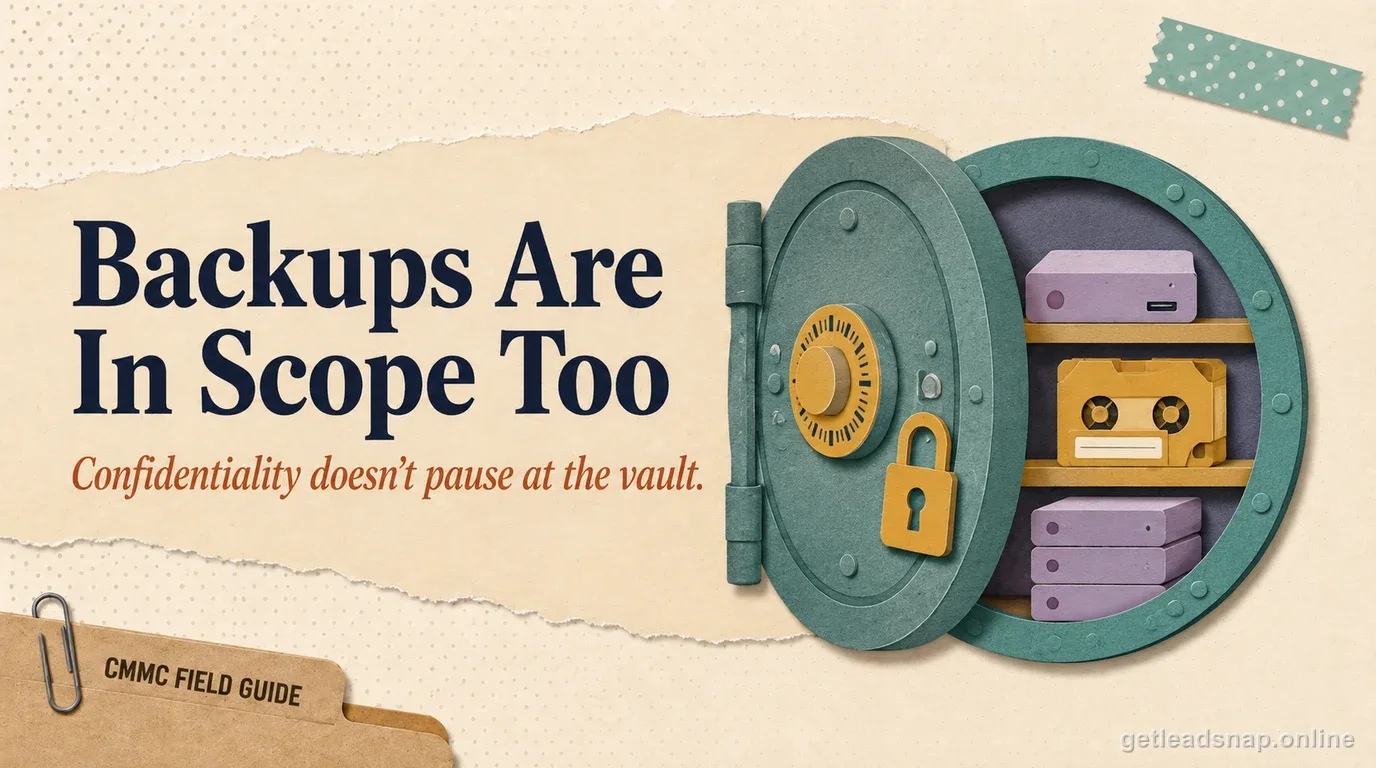
Check backup and reporting exports as well as the live ERP; old attachments can remain in archives even after users stop entering CUI in the production interface.
Use transaction samples to keep scope evidence defensible
Maintain a periodic sample of defense-project records showing that technical attachments and CUI descriptions are not being placed in the accounting system when the design intends an FCI-only or payment-only workflow. If the sample finds controlled content, treat it as a data-flow finding and investigate connected backups, reports, and integrations.
This makes an out-of-scope or Level 1 scoping conclusion evidence-based rather than a one-time statement from finance.
Final operating detail
Review user-created custom fields and report templates too; they are common places for technical descriptions to re-enter a financial system after the original attachment workflow was cleaned up.
Before you call the boundary done
- ✓Inspect actual ERP data.
- ✓Review attachments.
- ✓Map integrations.
- ✓Define allowed data types.
- ✓Control exports.
- ✓Reassess if workflows change.
Common questions
Is payment information FCI?
The FAR definition excludes simple transactional information necessary to process payments, but other contract information in the same system may still be FCI or CUI.
Can QuickBooks be out of scope?
Yes if the facts support it and it does not process, store, transmit, or protect relevant FCI/CUI.
Do ERP backups matter?
Yes if the ERP contains protected information; backups create additional copies.
What about cloud ERP support personnel?
Provider access and cloud obligations should be evaluated when the service handles protected information.
Is ordinary payment data in accounting software automatically FCI?
No. FAR excludes simple transactional information necessary to process payments, although other nonpublic contract data in the same system may be FCI or CUI.
Official sources used for this guide
Open the primary source before making a contract-specific decision. Regulations and program implementation can change.