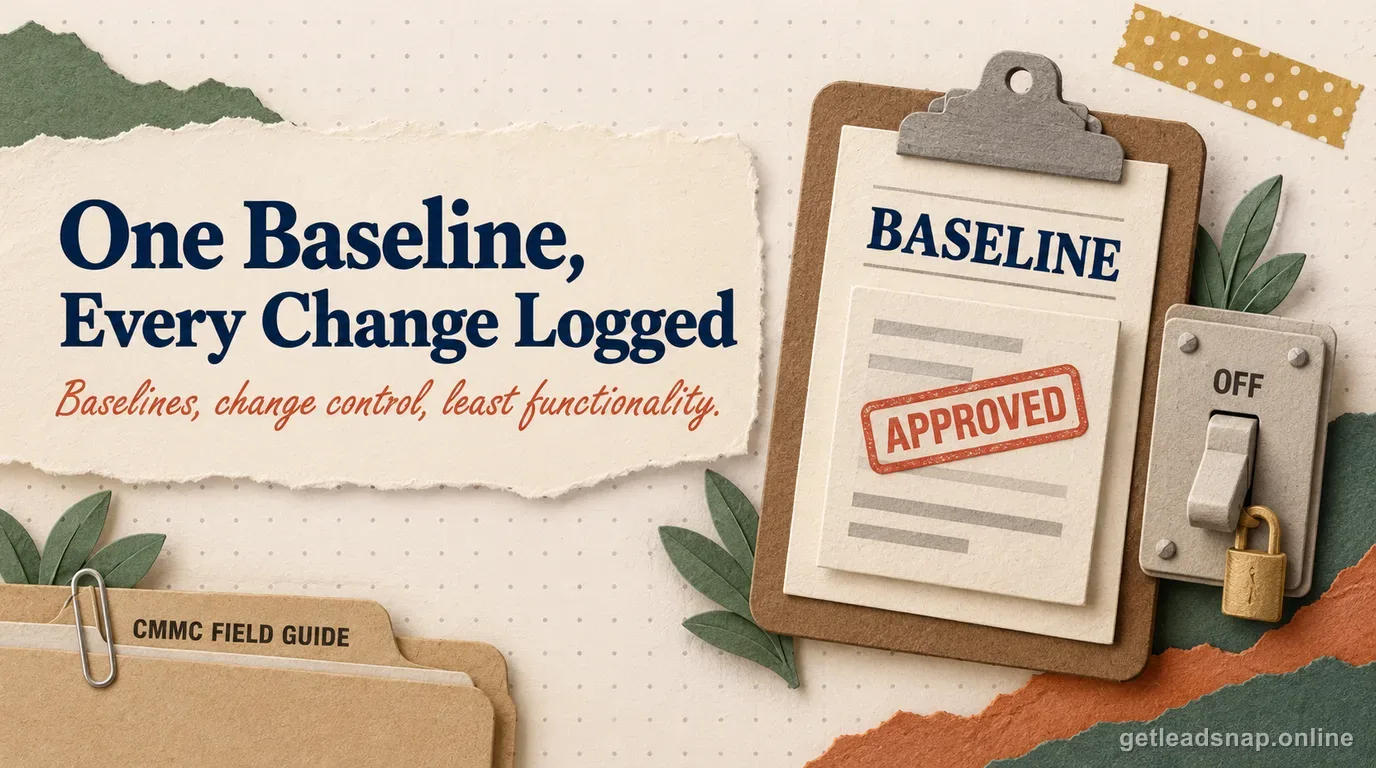
The nine Rev. 2 configuration-management requirements form a system for keeping the CUI environment known and controlled: establish an approved state, control changes to it, and remove or restrict functions and software the business does not need.
In practice, the question that matters for a small defense contractor is narrower: does the requirement map to a specific control inside the FCI/CUI boundary, is an owner assigned, and is there current evidence it is actually operating?
The rule in plain English
3.4.1–3.4.2 establish baselines, inventories, and security configuration settings. 3.4.3–3.4.5 govern change tracking, security-impact analysis, and change access. 3.4.6–3.4.9 cover least functionality, unnecessary services, software execution policy, and user-installed software.
A baseline is more than an asset list. It should let the company tell whether a server, workstation, appliance, or cloud configuration has drifted from the approved security state.
How to implement it without overbuilding
Use existing IT workflows if they create traceability. A ticket can capture requester, approver, affected asset, change, security impact, test, rollback plan, and completion.
Least functionality should be visible in live settings: unnecessary ports, protocols, services, accounts, and software are disabled or restricted, with exceptions documented.
What evidence to keep
Keep current inventory, approved baseline or hardening standard, configuration exports, change tickets, approvals, security-impact reviews, privileged-change permissions, and software allow/deny evidence.
Periodic configuration or vulnerability tools can expose drift, but the organization still needs a process to review and resolve what those tools find.
Where teams get into trouble
Common failures are maintaining an inventory without a real baseline, approving changes only in chat, never reviewing emergency changes afterward, or allowing unrestricted user-installed software while the policy says otherwise.
Small-contractor walkthrough
A contractor has Windows endpoints, a small VMware cluster, Microsoft 365, a firewall, and several engineering applications. Its baseline needs to distinguish endpoint settings, server settings, network-device settings, and approved software rather than calling one image the baseline for everything.
- Define baseline templates by system class.
- Reconcile inventory to live systems.
- Route changes through approvals.
- Restrict change rights.
Decisions to document before assessment
Before marking this topic ready, make four decisions explicit: define baseline templates by system class; reconcile inventory to live systems; route changes through approvals; and restrict change rights. Assign an owner and an evidence location to each decision.
Manual deep review: connect inventory, baselines, change control, and least functionality
An inventory and a baseline solve different problems. The inventory records what exists—hardware, software, firmware, and relevant documentation. The baseline records what the approved state should be. A Windows workstation baseline may define required security settings, approved software, enabled services, management agents, encryption, firewall posture, and logging; servers, firewalls, engineering workstations, and cloud tenants need their own meaningful approved states. One generic secure-build document is rarely enough.
Requirements 3.4.3 through 3.4.5 turn the baseline into an operating process. Define which changes are security-relevant, who may request them, who approves them, how security impact is considered, and who is authorized to implement them. An ordinary ITSM ticket can work when it records the affected system, requested change, approval, implementation result, and security or rollback considerations. Emergency changes still need an immediate record and a post-change review rather than becoming invisible exceptions.
For 3.4.6 and 3.4.7, define what each system needs to do and remove or restrict what it does not need. Review programs, services, ports, protocols, optional roles, remote-management components, and local administrative tools. If an engineering application genuinely needs a service, document the business and technical reason. Requirements 3.4.8 and 3.4.9 add software execution and user-installed-software controls, so the organization also needs a documented position on what users can run or install.
Before assessment, pick one endpoint, one server, and one network or cloud component. Show the inventory entry, applicable baseline, current configuration, one recent change, and any approved exception. Then sample installed software or listening services and ask why each is present. A mature program can answer from documented need and change history rather than 'that is how the vendor shipped it.'
- Approved baseline by system class.
- Current inventory reconciled to discovery.
- Change approvals and implementation evidence.
- Configuration-drift or exception records.
- Software execution and installation controls.
Additional objective-level implementation notes
Run configuration management as a closed loop: approved state, live state, detected difference, decision, and updated record. A drift report is useful only when deviations are reviewed and either restored, approved as an exception, or incorporated into a revised baseline after an authorized change. Tie the decision to the affected system class and the change record so the baseline remains an accurate description of production.
Review least functionality with real technical output. Sample listening ports, enabled services, installed applications, local administrative tools, browser extensions, and optional server roles. For each item, ask whether it is essential to the approved function. Record justified exceptions and remove items that exist only because they were part of a default image or old project.
Final manual spot check
For a final spot check, choose one system that recently changed and reconstruct its state before the change, approval, implementation, validation, and resulting baseline. Then choose one system that has not changed recently and compare its live configuration to the approved baseline to detect drift. This two-sample method tests both sides of configuration management: controlled change when change is intended and detection when change is unintended.
A short working check
- ✓Define baseline templates by system class.
- ✓Reconcile inventory to live systems.
- ✓Route changes through approvals.
- ✓Restrict change rights.
- ✓Document least-functionality decisions.
- ✓Review drift and unauthorized software.
Common questions
Do we need a CMDB?
No specific product is mandated. You need accurate inventory and configuration information with traceable change control.
Does every change need executive approval?
No. Approval can be delegated by risk and change type, but authority should be defined.
Is vulnerability scanning the same as configuration management?
No. Scanning can reveal weaknesses or drift; configuration management also covers baselines, changes, least functionality, and software restrictions.
Can an MSP ticketing system be evidence?
Yes, if it captures the actual change, approval, affected assets, implementation, and follow-up.
Is a CIS benchmark automatically our CMMC baseline?
No. A benchmark can be an input, but the approved baseline still needs to match the real system class, business requirements, and documented exceptions.
Official sources used for this guide
Open the primary source before making a contract-specific decision. Regulations and program implementation can change.