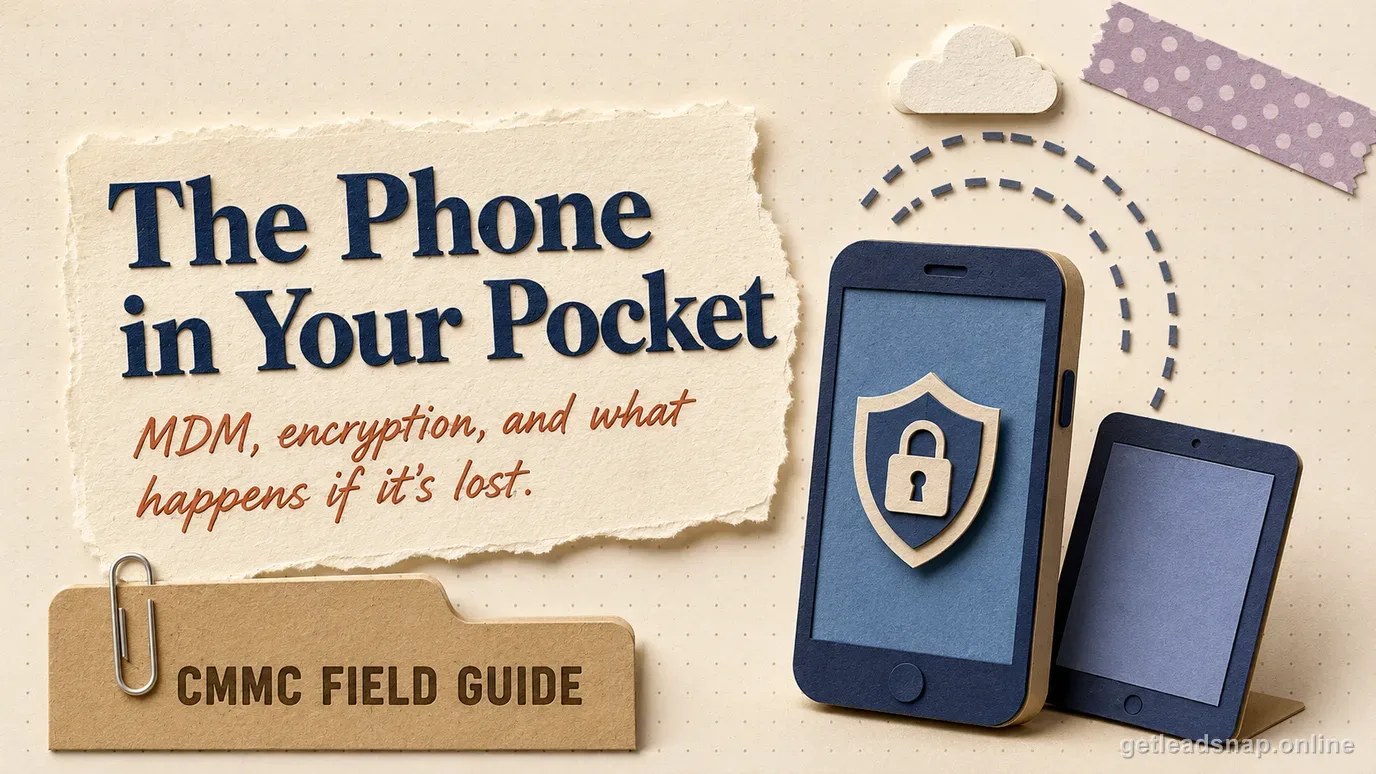
A company phone can enter the CUI environment without anyone explicitly deciding that it should. An employee adds work email, opens a CUI attachment, downloads a drawing, screenshots a message, syncs a file to an app, or approves access from a tablet. NIST SP 800-171 Rev. 2 requirement 3.1.18 requires controlling the connection of mobile devices, and 3.1.19 requires encrypting CUI on mobile devices and mobile computing platforms.
The cleanest CMMC design is to decide which mobile workflows are allowed before configuring MDM. Some contractors prohibit CUI on phones and use mobile devices only for MFA or ordinary FCI. Others permit managed tablets for field drawings or maintenance. Each choice produces different scope, technical controls, and evidence.
This guide focuses on company-approved mobile devices and the data paths they create. BYOD raises additional ownership and scoping issues and should be analyzed separately rather than mixed into one mobile policy.
Define the allowed mobile CUI use cases first
List business scenarios involving phones or tablets: reading email, viewing attachments, joining collaboration platforms, taking photos, scanning documents, accessing a VDI session, using field-service apps, approving workflows, or storing offline files. For each, decide whether CUI may be processed, stored, or transmitted and what control boundary applies.
A device used only as an MFA authenticator is different from a tablet that downloads CUI. A remote-display client that is technically constrained to keyboard, video, and mouse interaction can have different scoping implications from a native mobile app that caches or transfers CUI locally. Document the actual configuration rather than classifying by device label alone.
Prohibit unapproved use cases explicitly. If CUI is not allowed in native mobile email, browser downloads, camera roll, or consumer messaging, configure the environment to reduce those paths instead of relying only on a training slide.
Classify the mobile pattern before choosing controls
A phone used only to generate or approve an authentication factor is not the same workflow as a managed tablet that opens CUI natively. A VDI client restricted to keyboard, video, and mouse interaction with no local CUI handling is different again. Write down which pattern applies before deciding that every mobile device needs the same controls.
For each allowed pattern, identify what persists locally, what network connection is used, which cloud or identity services are involved, whether screenshots or copy actions are possible, and what happens when the device is lost. This prevents an MDM baseline from becoming a substitute for data-flow analysis.
- Authenticator-only device
- Native managed app that displays or processes CUI
- Managed tablet with offline CUI
- VDI/remote-display client
- Field capture device for photos or scans
Control which mobile devices can connect
Requirement 3.1.18 is about controlling connections. Maintain an inventory of approved mobile devices with owner, platform, management status, serial or device identifier, operating-system version, assigned apps, compliance status, and disposition. Use conditional access, certificates, device compliance, network controls, or other mechanisms to distinguish managed devices from unknown ones.
Require a security baseline before access: supported operating system, device lock, screen timeout, secure boot or platform protections where available, prohibited rooting or jailbreaking, current security updates, and management enrollment according to the organization's standard. Block or quarantine devices that fall out of compliance if the architecture supports it.
Keep mobile administration separate from user convenience. Limit who can enroll devices, change compliance policies, create app exemptions, or wipe devices. Log material MDM changes and review exceptions so one help-desk workaround does not silently authorize an unmanaged CUI path.
Protect every place CUI can persist on the device
Requirement 3.1.19 specifically calls for encrypting CUI on mobile devices and mobile computing platforms. Verify the deployed platform encryption and, when cryptography protects CUI confidentiality, connect the implementation to the applicable FIPS-validated cryptography requirement. Do not settle for a generic device-specification page; capture real compliance or configuration evidence for managed devices.
Identify application-level persistence: email caches, attachment downloads, offline files, browser downloads, note-taking apps, document previews, temporary files, clipboard, screenshots, camera roll, and app-to-app sharing. MDM or mobile application management can restrict some of these paths, but the settings need to match the approved CUI workflow.
Cloud backup can create another copy outside the approved architecture. Determine whether device or app backups include work data, where they are stored, which account owns them, and whether policy prevents CUI from flowing into personal consumer backup services.
Include browser and identity tokens in the local-data review. A mobile application can avoid storing a visible CUI file yet retain cached pages, authentication tokens, notification previews, or offline application data that expose the same environment. Configure lock-screen notifications, session lifetime, managed browser behavior, and application cache according to the approved use case, and test what remains accessible after the device is locked or the work account is removed.
Control apps, copy/paste, screenshots, and external sharing
Approved applications should come from a managed or otherwise controlled source where practical. Review whether an app can open CUI and then hand it to an unmanaged mail client, personal cloud drive, messaging app, print service, or share sheet. Use data-transfer restrictions aligned to platform capability and user workflow.
Screenshots and camera use deserve deliberate decisions. A secure viewer can still leak CUI into the photo library if screenshots are allowed. Field teams may legitimately need photographs that become CUI based on content. Define where those images are stored, how they are transferred, and how they are removed from the device after the approved workflow completes.
Clipboard and copy/paste restrictions can reduce accidental transfer between managed and unmanaged applications. Test them rather than assuming a policy name works across every operating-system version. Record known platform limitations and choose alternate safeguards when necessary.
Design the lost, stolen, and offboarding response
Mobile devices leave controlled facilities by design, so loss is a normal scenario to plan for. Define how employees report loss, who can lock or wipe the device, how quickly administrators review recent access, how tokens or sessions are revoked, and how the company determines whether CUI was locally stored.
Remote wipe is useful but should not be the only safeguard because a missing device may remain offline. Strong device encryption, access controls, local data minimization, session controls, and inventory make the response less dependent on contacting the device after loss.
During offboarding or reassignment, remove organizational accounts, revoke certificates or tokens, wipe managed CUI, remove the device from access policies, and update inventory. For company-owned devices being reused or disposed of, connect the mobile workflow to the media-sanitization process.
Demonstrate mobile compliance with one approved and one blocked workflow
Prepare the mobile-device policy, allowed-use matrix, device inventory, MDM or management baseline, conditional-access rules, encryption evidence, managed-app settings, backup restrictions, lost-device procedure, and recent compliance reports. Map the evidence to 3.1.18 and 3.1.19 instead of treating all mobile settings as one screenshot bundle.
Demonstrate an approved mobile scenario from enrollment through access. Then test a blocked condition: unmanaged device, noncompliant operating system, prohibited download, or transfer from a managed app to an unmanaged destination. The failed path shows that connection and data handling are actually controlled.
Review real device state before assessment. Find stale enrollments, devices not checked in for months, outdated operating systems, app exceptions, or former employees still registered. Cleaning those records strengthens both the technical control and the asset inventory.
Use a real device from production for the demonstration rather than a freshly enrolled test phone with perfect settings. The production sample is more likely to reveal stale OS versions, unmanaged application exceptions, long-lived sessions, or backup behavior that the policy did not anticipate.
A short working check
- ✓Define which mobile workflows may involve CUI
- ✓Inventory and authorize managed mobile devices
- ✓Enforce a supported-device and management baseline
- ✓Verify encryption for CUI stored on mobile devices
- ✓Restrict unmanaged apps, downloads, screenshots, clipboard, and backups as needed
- ✓Control enrollment and MDM administration
- ✓Maintain a lost/stolen-device response with session revocation and wipe capability
- ✓Remove mobile access and sanitize devices during offboarding or reuse
Common questions
Does using a phone for MFA automatically put the phone in CMMC scope as a CUI asset?
Not simply because it is a phone. Scope depends on what the device processes, stores, transmits, or protects and on the architecture. A device used only for authentication differs from one that downloads or displays CUI in a native application.
Is remote wipe enough protection for a lost device?
No. A lost device may be offline. Encryption, access control, limited local storage, session revocation, inventory, and a tested response process should work together with remote lock or wipe.
Official sources used for this guide
Open the primary source before making a contract-specific decision. Regulations and program implementation can change.