The compliance question for CUI email is bigger than whether a message has TLS. A single message can touch the sender's endpoint, mailbox service, anti-spam gateway, journaling archive, mobile client, backup platform, recipient environment, and automated forwarding rule. Every service that stores, processes, transmits, or protects the covered information can affect scope and contractual obligations.
The solution is not simply to put 'CUI' in the subject line. Marking helps recipients recognize the information; it does not provide the technical protections required by NIST SP 800-171 or the contractual duties in DFARS 252.204-7012. A useful email design starts by deciding whether CUI is allowed in email at all, which service is approved, who may send or receive it, and what happens to copies created by forwarding, mobile sync, journaling, backup, or malware inspection.
Decide whether the body, attachment, or both contain CUI
An email can carry CUI in several ways. The attachment may be the only controlled item while the message body contains ordinary coordination text. The body itself may contain technical details or other CUI. A user may also reply and quote part of a controlled message, creating a new copy of the information even after removing the original attachment.
Your procedure should teach users to evaluate content, not file type. A PDF drawing is not safer than text pasted into the message body, and a link to an approved repository may still reveal controlled information in the link text or message description. Use examples from actual programs so employees know what kinds of content must stay within the approved mail path.
When a message is uncertain, route it through the same CUI escalation process used for files. Do not forward it to a personal mailbox or a general corporate help desk just to ask whether it is sensitive. Keep the question and the questionable content inside an approved channel until the status is resolved.
Map every service that touches the message
A cloud mailbox is rarely the only component. Messages may pass through a secure email gateway, anti-malware service, journaling system, archive, data loss prevention service, backup platform, eDiscovery service, mobile synchronization endpoint, or third-party ticketing connector. Some of those services process or store message content; others provide security protection to the environment.
Draw the flow from sender to recipient and annotate each component with what it can see or retain. If a gateway decrypts messages for inspection, it may process CUI even if it does not keep a long-term copy. If a backup service stores mailbox content, CUI may persist there after users delete messages. If a security provider administers the tenant, its privileged access may create a different scope or external-service relationship.
This mapping should connect to the Level 2 asset and service-provider analysis. The mailbox platform may be a CUI system, while identity, logging, or email-security components may be Security Protection Assets or external service dependencies. Avoid describing the email environment as a single SaaS logo when the control path is broader.
Treat an external cloud email provider as a contract decision, not just an IT purchase
When DFARS 252.204-7012 applies and an external cloud service provider will store, process, or transmit covered defense information, the clause requires the contractor to ensure the provider meets security requirements equivalent to the FedRAMP Moderate baseline. The provider must also comply with the clause's applicable cyber-incident reporting, malicious-software, media-preservation, forensic-access, and damage-assessment requirements.
Do not reduce this to a marketing badge. Record the specific cloud service offering in use, the evidence supporting FedRAMP Moderate authorization or DoD-defined equivalency, the shared-responsibility boundaries, and the contractual commitments that matter to 7012. A provider's unrelated product or corporate certification does not automatically establish the posture of the service handling CUI.
Email ecosystems often chain providers. A secure mailbox can still send copies to a third-party archive, security gateway, continuity service, e-discovery tool, or backup service. Trace each of those services before concluding that the cloud obligation has been satisfied.
- Mailbox/tenant service
- Secure email gateway or relay
- Archive/journaling/e-discovery service
- Backup and continuity service
- Mobile or desktop synchronization path
Control forwarding, auto-forwarding, and external recipients
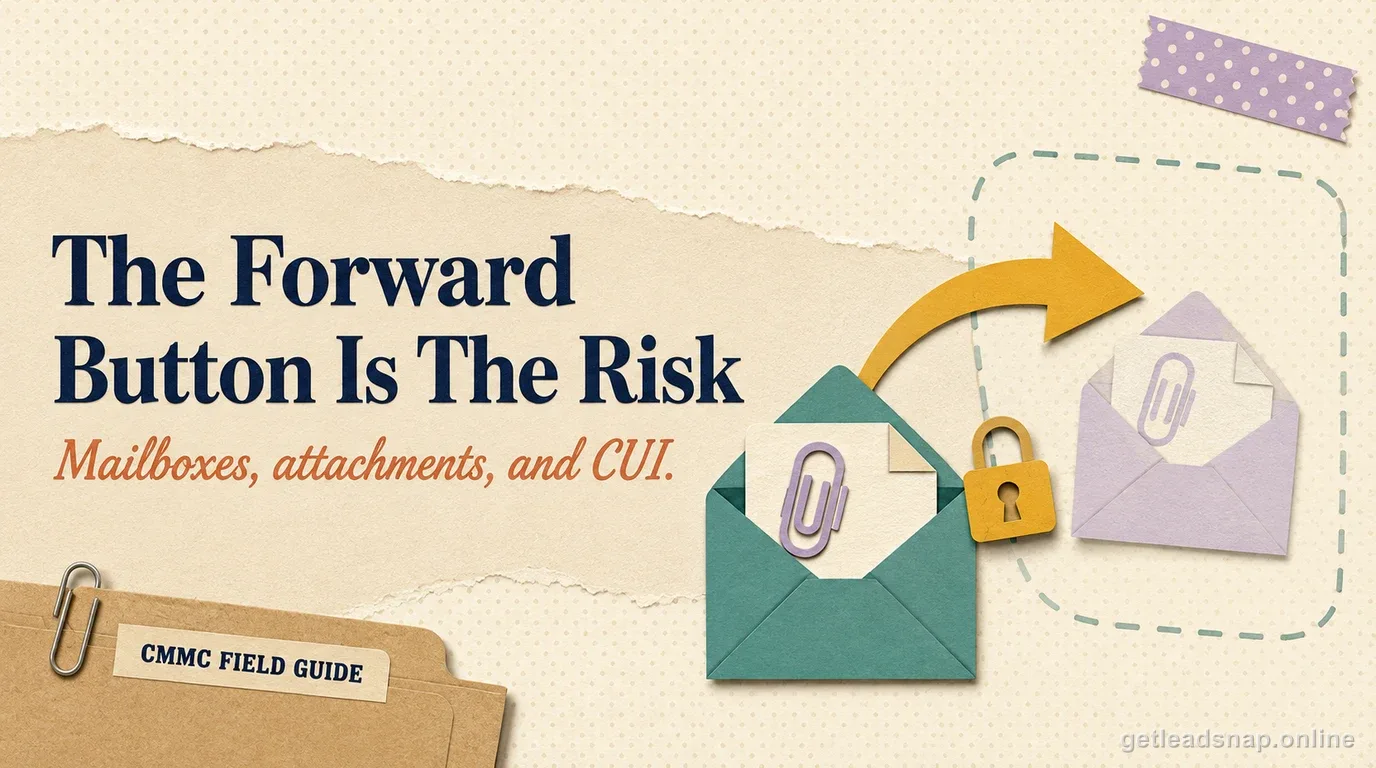
Auto-forwarding is a common escape route from a controlled mailbox. Block forwarding to unapproved external domains unless there is a documented business need and an approved secure path. Review inbox rules and tenant-level forwarding settings, and decide how alerts are generated for attempts to route controlled messages elsewhere.
For manual external sending, define an authorization check. Users should verify the recipient's need to know, the approved receiving system or method, and any dissemination restrictions on the CUI. The fact that another company has a defense contract does not automatically mean every employee or mailbox there is an authorized destination.
Keep address-book convenience from overriding the data rule. Similar domain names, personal accounts, supplier aliases, and old contacts are practical sources of misdelivery. Consider technical controls such as external-recipient warnings, domain restrictions, DLP rules, and approval workflows where the risk justifies them.
Protect transmission and understand the FIPS connection
For email carrying CUI, NIST SP 800-171 Rev. 2 requirement 3.13.8 requires transmission confidentiality through cryptographic mechanisms unless an applicable alternative physical safeguard protects the path. If cryptography is the means used to protect CUI confidentiality, 3.13.11 brings in FIPS validation. That is why a mailbox architecture needs evidence beyond a generic statement that 'TLS is enabled.'
Document the actual protection mechanism used for CUI-bearing messages and how administrators verify the configured state. If the approved workflow relies on a secure portal, message encryption feature, or protected transport between specific domains, identify where encryption begins and ends. If a message can fall back to an unprotected path, the policy and technical configuration should address that condition.
Do not assume that encryption removes CUI status or removes the service from analysis. Encrypted CUI is still CUI; encryption is a safeguard. Scope decisions depend on what the component does with the data and what the current CMMC scoping rules say about the asset or provider.
Do not forget mobile clients, offline files, and local caches
A controlled mailbox viewed on a phone or tablet can create a mobile-device scope problem. Local message caches, downloaded attachments, notification previews, screenshots, share-sheet actions, cloud photo backup, and 'open in' functions can move content outside the intended system. If mobile access is allowed, include those paths in the design and enforce the required controls.
Desktop mail clients create similar local copies through offline caches and downloaded attachments. Decide whether the endpoint is already an in-scope CUI Asset, whether the client is permitted to store messages locally, and where users are allowed to save attachments. The approved repository should not be undermined by a default Downloads folder that syncs to an ordinary consumer cloud account.
When the company wants a narrow boundary, web-only or VDI-based access can reduce local copies, but the configuration must actually prevent download, clipboard, printing, or other egress if the endpoint is being treated outside the CUI processing boundary. Test the real user experience instead of relying on the product architecture diagram.
Collect evidence from normal email operations
Assessment evidence should show the email control operating, not just an acceptable-use policy. Useful artifacts can include approved-domain configurations, external forwarding restrictions, encryption or secure-message settings, access-control groups, DLP rules, mobile access restrictions, administrator role assignments, message-trace samples, and records of periodic access reviews.
Keep incident evidence too. A blocked forwarding attempt, a misaddressed message response, or a DLP alert can demonstrate that the organization detects and handles exceptions. The objective is not to prove no user ever makes a mistake; it is to show that the system has preventive and detective controls and a defined response.
Finally, reconcile the mailbox architecture with the SSP and asset inventory. If the SSP says CUI is never stored in email but employees routinely receive CUI attachments in the approved tenant, correct the document. A truthful boundary that includes email is stronger than a narrow boundary that only exists on paper.
A short working check
- ✓Decide and document whether CUI is permitted in email
- ✓Map gateways, archives, backups, DLP, mobile sync, and admin dependencies
- ✓Block or control unapproved forwarding and external destinations
- ✓Document the CUI transmission protection mechanism
- ✓Review mobile and desktop local-copy paths
- ✓Keep operational evidence of access, encryption, DLP, and exception handling
Common questions
Does an email system enter scope if CUI is only in an attachment?
It can. If the system processes, stores, or transmits the CUI attachment, the mail path must be included in the scope and service analysis appropriate to the architecture.
Is putting CUI in the subject line enough to protect the message?
No. Marking helps identify the information; technical safeguards, authorization, transmission protection, and system scope still apply.
Does encryption make CUI no longer CUI?
No. Encryption is a safeguard for CUI; it does not decontrol the information or change its status.
If a large cloud suite has a compliant offering, is every tenant automatically suitable for CUI?
No. Evaluate the specific service offering, tenant architecture, enabled services, configuration, contractual commitments, and any downstream services that handle the information. A vendor name by itself does not prove that the deployed CUI path meets DFARS 252.204-7012 cloud requirements.
Official sources used for this guide
Open the primary source before making a contract-specific decision. Regulations and program implementation can change.