A CUI asset inventory should explain why an asset matters to the assessment, not merely prove that the company knows its serial number. The most useful inventory combines ordinary asset-management fields with CMMC-specific context: how the asset interacts with CUI, what security function it provides, how it is administered, and why it is included or excluded from a particular scope decision.
Treat the inventory as a living map and reconcile it against endpoint tools, cloud consoles, diagrams, purchasing records, and provider lists. A spreadsheet that is never compared with technical reality will become stale no matter how many columns it has.
Use a stable identity for every asset
Include a unique asset ID and, where appropriate, hostname, serial number, cloud resource ID, tenant name, or other stable identifier. Human-friendly names can change; stable identifiers make it easier to connect evidence and change records to the same asset over time.
Also record asset type, owner, physical or cloud location, operating platform, network zone, and lifecycle state. These ordinary fields become valuable when a reviewer needs to understand whether an old screenshot belongs to a retired system or the current production asset.
Add CUI interaction and security role
Two columns make the inventory more useful for CMMC: 'CUI interaction' and 'security role.' The first explains whether the asset processes, stores, transmits, can receive, or is deliberately prevented from handling CUI. The second explains whether it provides identity, logging, endpoint management, network protection, backup, or another security capability.
Keep the wording short and factual. 'Stores CUI engineering project files' or 'provides MFA and conditional access for enclave identities' is clearer than 'important system.'
Write a scoping rationale in plain English
Add one sentence explaining why the asset has its assigned treatment. Examples might be 'CUI Asset — stores contract design files,' 'Security Protection Asset — central EDR console protecting enclave endpoints,' or 'segmented corporate workstation — no approved CUI path; blocked from enclave resources.'
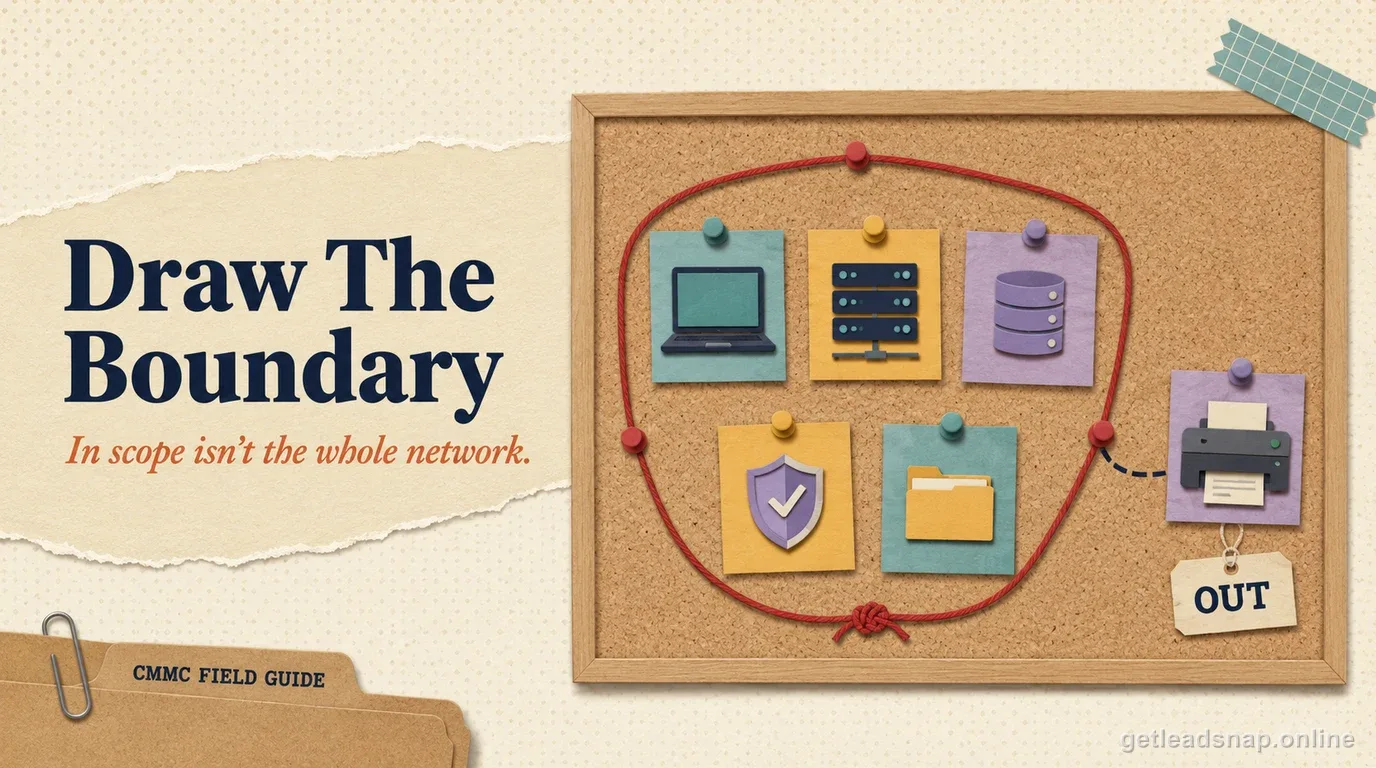
The rationale makes exclusion decisions reviewable. An out-of-scope label without a reason tends to become an argument during assessment prep. A concise technical reason can be checked against the diagram and controls.
Treat cloud services and providers as inventory objects
For SaaS and external services, record provider, service name, tenant or instance, administrative owner, data handled, security role, integration points, privileged-access path, contract owner, and evidence location. A cloud service may not have a serial number, but it still needs stable identification and ownership.
If an MSP manages a service, separate the provider relationship from the asset or tenant itself. This helps the responsibility matrix show what the contractor owns, what the provider operates, and how evidence is obtained.
Reconcile the inventory against technical discovery
Quarterly, compare the inventory with endpoint-management lists, identity devices, network discovery, cloud subscriptions, backup jobs, vulnerability tools, and purchasing records. Investigate differences rather than simply adding every discovered item to scope.
Also compare the inventory with the SSP and diagrams. Sample included assets that do not appear on the diagram and diagram components that do not appear in the inventory. Reconciliation is where the spreadsheet becomes evidence instead of administrative paperwork.
Track lifecycle and scope changes explicitly
When an asset is retired, replaced, moved to another tenant, or changes function, update its lifecycle state and scoping rationale. Preserve enough history to explain assessment evidence collected before the change. Do not delete old rows simply to keep the sheet clean.
Create change triggers for new SaaS, remote-work paths, provider changes, mergers, and network redesign. The inventory should be updated as part of those changes, not several weeks before an assessment when everyone is trying to remember what happened.
For hardware, a practical core is: asset ID, hostname, type, owner, location, operating system, network zone, lifecycle state, CUI interaction, security role, management method, privileged-admin path, scoping category, scoping rationale, and evidence or source-of-truth link. Add serial number only if it helps your asset-management process.
For cloud services, replace hardware-centric fields with provider, service, tenant or instance, contract owner, technical owner, region or data-location detail where relevant, identity integration, data handled, security function, privileged roles, and evidence source. Using the same inventory can work if the fields are flexible enough for both asset classes.
For exclusions, keep the rationale short and testable. 'No CUI' is weak. 'Corporate HR SaaS; no integration with enclave; access blocked from enclave accounts; no security function for assessed system' is much clearer. The explanation should be accurate enough that a reviewer can challenge it against the architecture.
Avoid adding columns nobody will maintain. An inventory with 70 fields that are mostly blank looks more complete than it is. Start with fields that support scoping, ownership, lifecycle, and evidence, then add organization-specific data only when a real process uses it.
Assign ownership to the inventory as a process, not just to each asset. One person or role should reconcile changes, resolve duplicates, review unexplained discoveries, and make sure scope categories remain consistent. Distributed teams can update their own rows, but without a steward the same device can appear under several names or cloud services can be omitted because nobody considers them traditional assets.
Include a source-of-truth field for each major asset class. Endpoint rows may be reconciled to device management, cloud resources to the cloud console, SaaS to purchasing or identity administration, and network devices to configuration management. The field tells future reviewers where to validate the row and makes stale manual entries easier to detect.
For assets that can change category, add an effective date to the scoping rationale. A workstation may move from corporate use to the CUI enclave, a shared security tool may become dedicated, or a retired cloud tenant may remain in historical evidence. Dating the classification lets reviewers understand which scope decision applied when an artifact was collected and avoids rewriting history every time the environment changes.
Make reconciliation bidirectional. Start from the inventory and verify that listed endpoints, services, tenants, and providers still exist; then start from endpoint management, identity, network, cloud, backup, vulnerability, and purchasing records and look for assets that never reached the inventory. The second direction is where shadow services and newly deployed tools usually appear. Record exceptions and owners so drift becomes a queue of facts to resolve rather than a vague complaint that the spreadsheet is stale.
Give each record an owner close enough to the system to recognize a bad entry. The owner should know where the asset is managed, what workflow uses it, whether it handles CUI or provides security protection, and who approves a material change. A compliance mailbox can coordinate the inventory, but it should not be the only party expected to notice that a cloud tenant was retired or a workstation moved into the enclave.
A short working check
- ✓Give every asset a stable identifier
- ✓Record CUI interaction and security role
- ✓Document scoping rationale
- ✓Include SaaS and external services
- ✓Reconcile inventory against technical discovery
Official sources used for this guide
Open the primary source before making a contract-specific decision. Regulations and program implementation can change.