Wireless compliance is not a protocol-brand exercise. NIST SP 800-171 Rev. 2 requirement 3.1.16 requires authorization of wireless access before connections are allowed, and 3.1.17 requires protecting wireless access using authentication and encryption. The evidence therefore needs to show both the decision to permit the wireless path and the controls protecting it.
The environment also includes more than the corporate SSID: guest networks, Wi-Fi on printers and lab devices, mobile hotspots, temporary project-site access points, and wireless radios enabled by default can all create paths that the inventory missed.
Inventory wireless capabilities, not just SSID names
List managed access points, controllers, corporate SSIDs, guest networks, wireless bridges, cellular or hotspot functions used for business connectivity, and in-scope devices with wireless radios. Include printers, scanners, cameras, lab equipment, or specialized systems that may ship with wireless enabled even if the team never intended to use it.
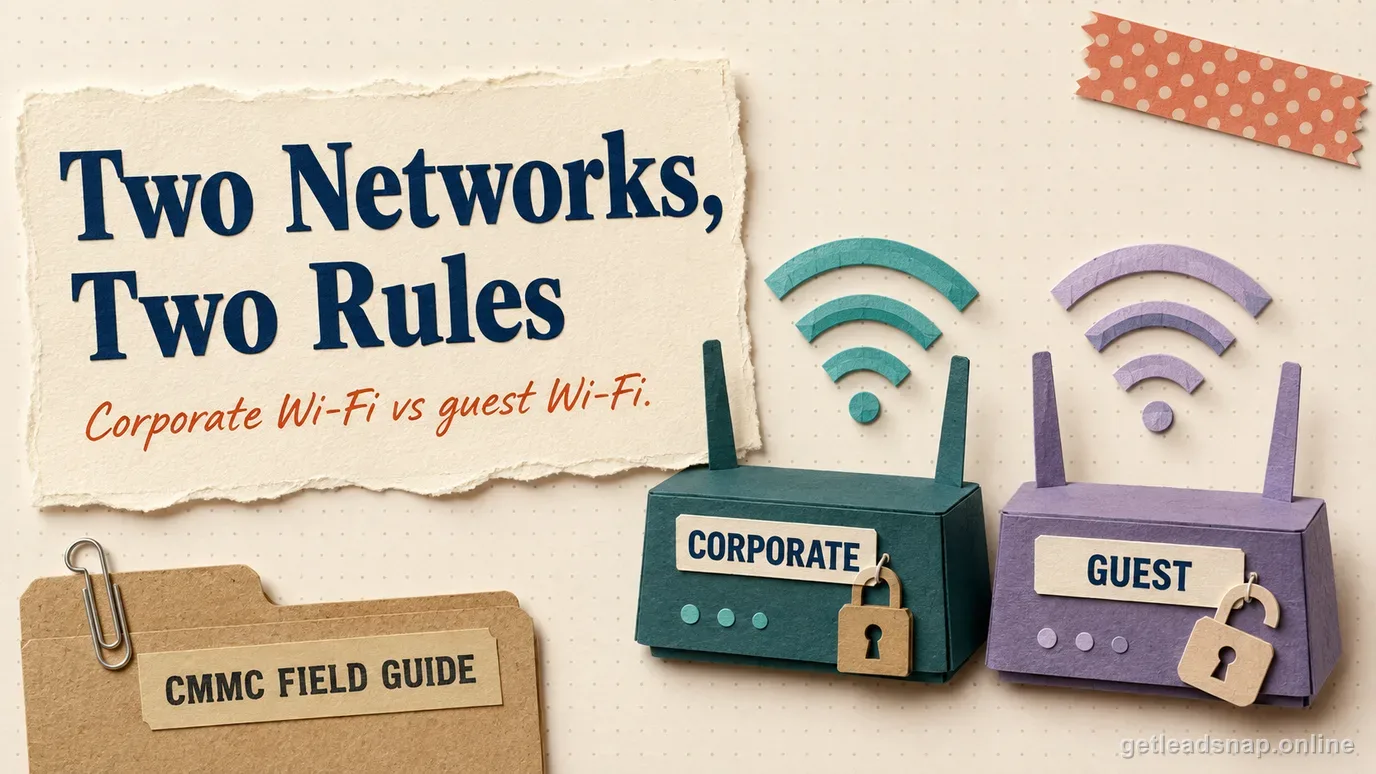
Map which wireless networks can reach CUI assets or Security Protection Assets and which are isolated. A guest SSID sharing the same physical access point can still be acceptable if architecture and configuration enforce separation, but the organization should be able to show that separation; the word 'guest' does not create it.
Record business owner, authorization status, authentication method, encryption method, network segment, management interface, and review date. This becomes the basis for both authorization and configuration evidence.
Reconcile the wireless inventory against more than the network controller. Walk the assessed environment and compare access-point records with endpoint hardware inventories, printer and lab-device settings, facilities equipment, and mobile hotspots. A disabled SSID on the main controller does not prove that an unmanaged radio embedded in a test device, copier, or temporary router is absent from the CUI environment.
Make wireless authorization an actual decision
Requirement 3.1.16 is about authorizing wireless access before connections occur. Define who can approve a new access point, SSID, bridge, or wireless-enabled device, what security review is required, and how the approved configuration enters the inventory. An access point plugged in by a department should not become authorized merely because it has been operating for months.
Use change management for material wireless changes: adding an SSID, changing authentication, extending coverage to a new facility, creating a temporary event network, or enabling wireless on a specialized device. Record the requester, purpose, architecture impact, approval, and implementation date.
If wireless is prohibited in a high-sensitivity enclave, document how the prohibition is enforced. Disable radios where possible, restrict switch ports or network access, monitor for unauthorized access points or associations using capabilities appropriate to the environment, and investigate exceptions.
Protect approved wireless with authentication and encryption
Requirement 3.1.17 requires authentication and encryption. Configure the wireless service so users or managed devices authenticate through the approved mechanism and traffic receives the intended cryptographic protection. Avoid shared secrets that are never rotated and broadly distributed when stronger enterprise identity options are practical for the environment.
Connect the encryption implementation to the broader CUI transmission analysis. If wireless carries CUI and cryptography is relied upon to protect confidentiality, evaluate the FIPS-validated cryptography requirement as applicable to the deployed solution; a wireless protocol name alone proves very little.
Review management access to controllers and access points separately. Administrative interfaces should have least privilege, MFA where the relevant access condition applies, protected management channels, logging, and restricted exposure. A secure client SSID does not compensate for an internet-exposed controller with weak administrator access.
Review hidden wireless features during commissioning and change control. Printers may expose Wi-Fi Direct, laptops may create mobile hotspots, and industrial devices may enable a maintenance access point independently of the corporate controller. Disable features that are not part of the authorized design and record the decision. Where a feature must remain enabled, place it in the inventory and apply the same authorization, authentication, encryption, and network-separation analysis as any other wireless path.
Separate company wireless, guest access, and remote/home networks
Design guest wireless as a separate service with no route to CUI assets or security-management interfaces unless a specific documented requirement says otherwise. Verify isolation with routing, firewall, VLAN, identity, or equivalent controls and test representative paths from a guest device.
Personal devices should not gain CUI access merely because they can join corporate wireless. Identity and endpoint authorization should enforce which managed devices or users can reach the CUI environment. If BYOD is permitted under a defined model, connect that decision to the separate BYOD scope and data-handling controls so Wi-Fi does not become an uncontrolled bypass.
Prevent users from bridging networks through personal hotspots or tethering when that would bypass monitoring or segmentation. Policy, endpoint controls, wireless monitoring, and user training can work together based on the actual risk and technology.
A remote employee may use a home Wi-Fi network the contractor does not administer. The organization should distinguish the untrusted local access network from the managed endpoint and protected remote-access path. Require appropriate endpoint security and encrypted remote connectivity so CUI is not exposed merely because the employee does not have an enterprise access point at home.
Define remote-work expectations for router defaults, wireless passphrases, device sharing, public hotspots, and use of approved VPN or virtual workspace where relevant. The exact measures should align with the company's remote-work architecture; that does not make the employee's entire household network part of the CMMC assessment boundary.
For company-controlled branch or project sites, however, wireless infrastructure may be organizational technology and should be inventoried and authorized like headquarters. Do not use the word 'remote' to hide a contractor-managed access point from the control.
- Company-controlled access points
- Guest/visitor wireless
- Project-site or temporary wireless
- Employee home networks used for remote access
- Mobile hotspots and tethering
Prepare wireless evidence that an assessor can test
Collect the wireless inventory and authorization records, network diagram, SSID and segmentation design, authentication and encryption configuration, controller or access-point administrative roles, guest isolation rules, and relevant logs. Keep configuration exports or screenshots tied to named devices or profiles, not unlabeled images.
Demonstrate an approved connection and an unauthorized or guest path. Show that a permitted managed endpoint authenticates as designed and reaches only intended resources, while a guest or unapproved device cannot reach the CUI network. If wireless is prohibited, demonstrate the technical restriction on representative in-scope systems.
Review for rogue or forgotten wireless before assessment. An old lab access point, enabled printer Wi-Fi Direct feature, or temporary travel router can create a path that the network diagram does not show. Correct or document it while updating the inventory.
A short working check
- ✓Inventory managed wireless networks and wireless-capable in-scope devices
- ✓Authorize wireless before connection or deployment
- ✓Document authentication and encryption methods
- ✓Restrict administrative access to wireless infrastructure
- ✓Isolate guest wireless from CUI and security-management networks
- ✓Prevent unapproved personal devices from using Wi-Fi as a CUI path
- ✓Address remote wireless through the defined remote-access architecture
- ✓Demonstrate approved and blocked wireless paths
Common questions
Is using WPA2 enough for CMMC wireless compliance?
A protocol label alone is not enough. The organization should show that wireless access is authorized before connection and protected with the required authentication and encryption, with configuration and scope evidence for the actual environment.
Does guest Wi-Fi automatically become part of the CMMC scope?
Not automatically. Scope depends on architecture and connectivity. A truly isolated guest network may be outside the CUI path, but the contractor should be able to demonstrate the separation and prevent guest access to CUI assets and security functions.
Does a remote employee’s home router have to be managed like a company access point?
Not necessarily. The contractor should document its remote-work architecture and protect the managed endpoint and CUI connection appropriately. Company-controlled wireless infrastructure, including branch or project-site access points, is a different case and should be governed accordingly.
What about hotel or airport Wi-Fi during remote work?
Treat the untrusted wireless network as part of the remote-access threat model. The contractor should rely on its approved managed endpoint and protected remote-access architecture, enforce applicable access policies, and avoid allowing public-network convenience to create an uncontrolled CUI path.
Official sources used for this guide
Open the primary source before making a contract-specific decision. Regulations and program implementation can change.