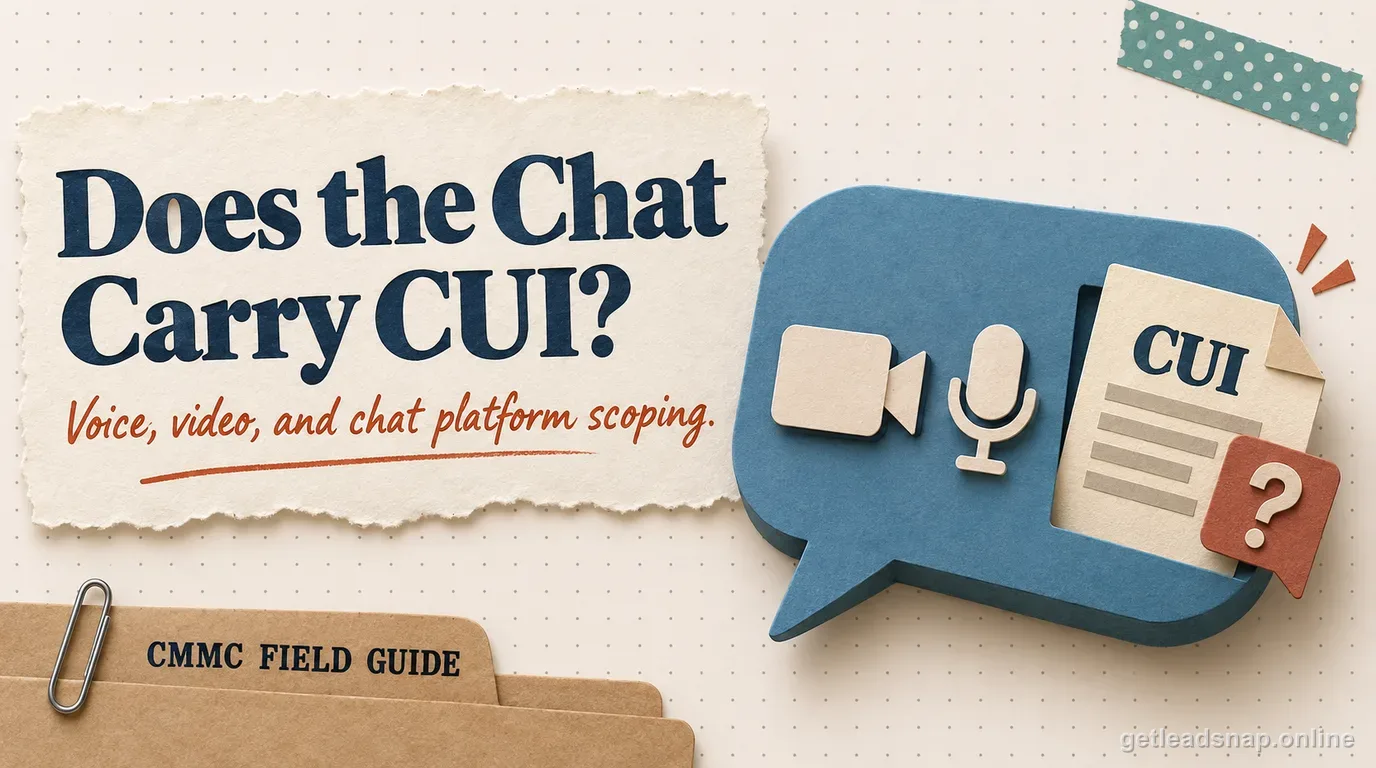
A collaboration platform becomes part of the CUI security story when CUI is discussed, displayed, recorded, uploaded, messaged, transcribed, stored, or otherwise processed through it. The product name is less important than the actual data flow and service boundary.
In practice, the question that matters for a small defense contractor is narrower: does the requirement map to a specific control inside the FCI/CUI boundary, is an owner assigned, and is there current evidence it is actually operating?
The rule in plain English
Voice and video can create hidden copies through recordings, transcripts, meeting chat, AI summaries, voicemail, file sharing, or support diagnostics. Those features can expand scope even when users think they are having only a temporary conversation.
Cloud-service obligations under DFARS also matter when a cloud service provider stores, processes, or transmits covered defense information.
How to implement it without overbuilding
Define which collaboration functions may carry CUI. Disable or restrict features that create uncontrolled copies, and document tenant identity, encryption, retention, guest access, and external sharing.
Train users on where CUI may be discussed and where attachments or recordings are permitted. Avoid a policy that bans CUI in a tool while daily operations require employees to use it.
What evidence to keep
Keep approved-service decisions, configuration exports, retention settings, external-sharing controls, recording/transcription settings, and sample access logs.
Data-flow diagrams should include collaboration services that actually carry CUI.
Where teams get into trouble
The common mistake is scoping email and file storage but ignoring chat, meeting recordings, transcripts, mobile clients, or AI-created summaries. Another is relying on a provider compliance claim without mapping customer configuration responsibilities.
Small-contractor walkthrough
Engineers use chat, meetings, recordings, transcripts, file sharing, and mobile clients in one collaboration suite. Scoping should follow where CUI can actually appear, including auto-generated meeting artifacts that users may not think of as separate stored copies.
- Map collaboration data flows.
- Decide which features may carry CUI.
- Restrict guest/external sharing.
- Review recording/transcription.
Decisions to document before assessment
Before marking this topic ready, make four decisions explicit: map collaboration data flows; decide which features may carry cui; restrict guest/external sharing; and review recording/transcription. Assign an owner and an evidence location to each decision.
Manual deep review
Collaboration platforms create hidden CUI copies through chat history, shared files, meeting recordings, transcripts, AI summaries, voicemail, whiteboards, calendar attachments, desktop sync, mobile caches, retention archives, eDiscovery copies, and third-party integrations. Each enabled feature can create another storage or processing location and may change scope.
Decide which functions are approved to carry CUI, which are prohibited, and which are allowed only in a defined tenant or environment. A policy saying 'no CUI in chat' is not credible when teams routinely paste controlled technical details into chat. Translate the rule into service settings, user training, and data-flow documentation.
When a cloud collaboration service stores, processes, or transmits covered defense information, evaluate the applicable DFARS cloud-service requirements and the provider's current service/authorization posture. Then map customer responsibilities such as identity, MFA, admin roles, external sharing, guest access, retention, logging, mobile use, incident handling, and integrations.
Treat guests and external meetings as a separate workflow. Define who can invite guests, what they can download, whether anonymous access is allowed, whether recordings are visible, and when access ends. Screen sharing can also reveal unrelated CUI through notifications or whole-desktop sharing even when the meeting itself is approved.
Run one representative external collaboration test using non-sensitive sample data. Confirm the guest can access only the intended resource, remove the guest, and verify access ends. Then test one prohibited feature—public link, local recording, anonymous access, forwarding, or unapproved app—and retain configuration and audit evidence.
Feature changes can silently alter the CUI boundary
Collaboration vendors add recording, transcription, AI summarization, meeting recap, search, and integration features frequently. A tenant that was acceptable when only chat and files were enabled can create new CUI copies after an administrator turns on automatic transcription or an AI assistant. Add collaboration-feature review to change management so new storage or processing paths are evaluated before broad rollout.
Record whether each high-risk feature is enabled, who can enable it, where generated data is stored, how long it is retained, who can access it, and whether the feature is inside the provider scope the contractor relies on. Treat marketplace apps and bots as separate provider relationships when they receive content from controlled channels.
Control guest and meeting lifecycle end to end
External collaboration should have a beginning and an end. The inviter should identify the business purpose, approved external participant, intended CUI, permitted channel or meeting, download rights, and expiration condition. When the project ends, remove guest access and confirm shared files, recordings, transcripts, or chat history are no longer available beyond the approved audience.
Test mobile and desktop clients as part of the lifecycle. Offline files, local downloads, cached attachments, and synced folders can move CUI from an approved cloud tenant to an unmanaged endpoint. If the architecture prohibits local copies, demonstrate the technical restrictions rather than relying only on user instructions.
Keep an assessor-ready collaboration evidence packet
For one representative controlled collaboration space, retain the approved-use decision, participant list, external-sharing settings, identity/MFA configuration, audit events, retention/recording settings, endpoint restrictions, and data-flow diagram. Add evidence for one access removal and one prohibited-sharing test.
This packet is more persuasive than a generic statement that the platform is 'government compliant.' It shows what the contractor configured, what the provider supplies, and how the organization prevents common leakage paths in the exact tenant used for CUI.
Final operating detail
Add one review of meeting templates and defaults. Auto-record, auto-transcribe, anonymous join, public link sharing, and broad presenter rights can re-enable risky behavior even when users follow written guidance, so tenant-wide defaults should match the approved CUI collaboration model.
A short working check
- ✓Map collaboration data flows.
- ✓Decide which features may carry CUI.
- ✓Restrict guest/external sharing.
- ✓Review recording/transcription.
- ✓Verify retention/access controls.
- ✓Train users on approved use.
Common questions
Can Teams or Zoom be out of scope if used only for meetings?
Possibly, if CUI is not processed, stored, or transmitted through the service and that restriction is realistic and enforced.
Do meeting recordings matter?
Yes. Recordings and transcripts create stored copies that can change scope.
Does a compliant cloud platform make us compliant?
No. Provider capabilities do not replace customer configuration and operating controls.
Should chat exports be retained as evidence?
Only when relevant and consistent with handling requirements; do not create extra CUI copies for compliance theater.
Official sources used for this guide
Open the primary source before making a contract-specific decision. Regulations and program implementation can change.